
Operating TripNova
The admin area manages the agency workspace, travel inventory, sales pipeline, finance workflows, automation, reporting, compliance, and buyer package checks.
Workspace And Security
Start with users, roles, permissions, agency branding, timezone, currency, authentication settings, and notification channels. Keep administrator access limited to trusted users and review activity logs after major configuration changes.
Travel Inventory
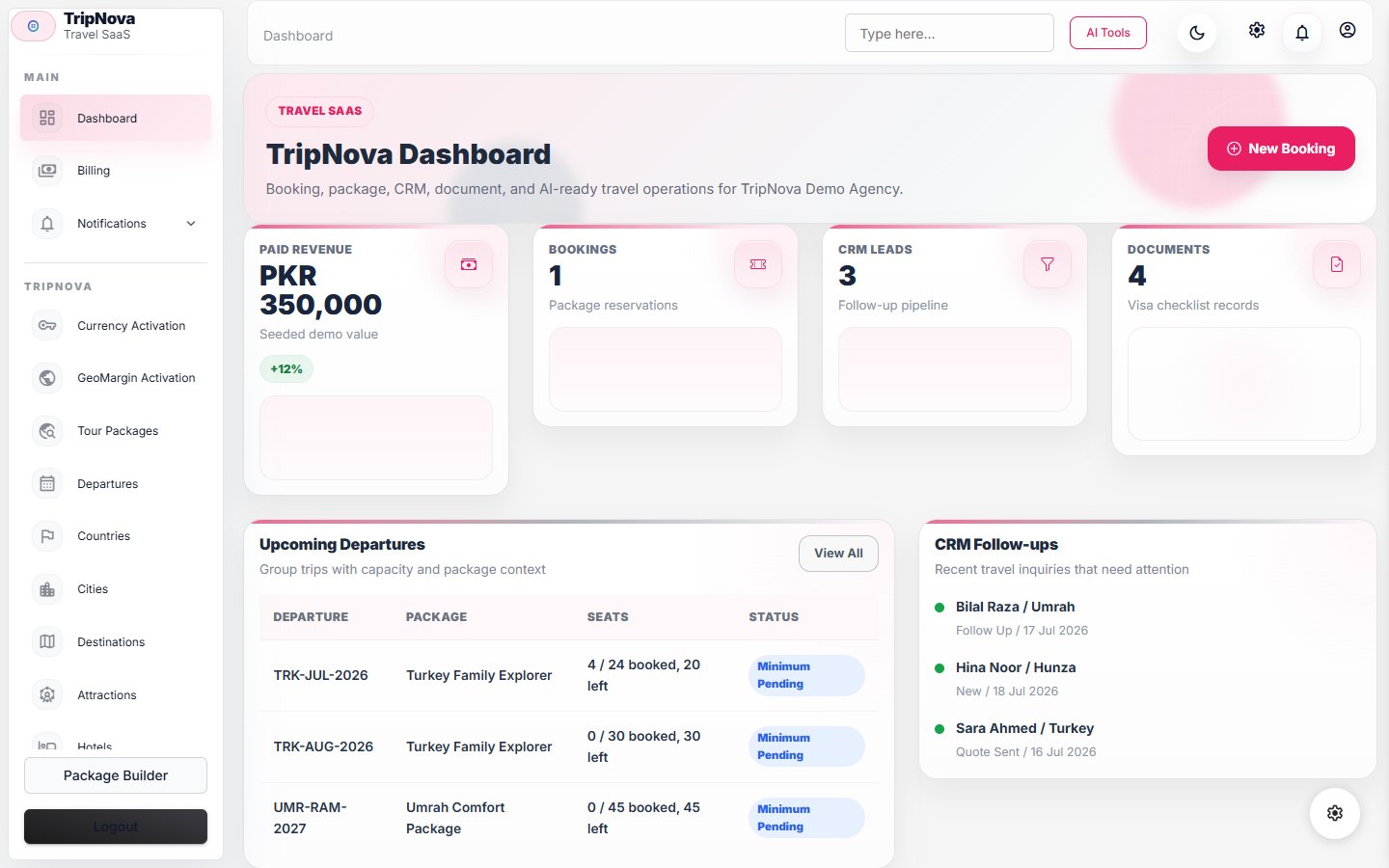
Create packages, departures, suppliers, rate sheets, allotments, inclusions, exclusions, SEO fields, document templates, and wallet content. Supplier costs can be connected to quotes, purchase orders, invoices, and margin checks.
- Create the supplier and base rate before publishing a package.
- Add departure capacity, inclusions, exclusions, cancellation terms, media, and SEO details.
- Preview the public package and verify dates, currency, taxes, margin, and availability.
- Make a low-risk test quote before opening the package to customers or agents.

Sales And Bookings
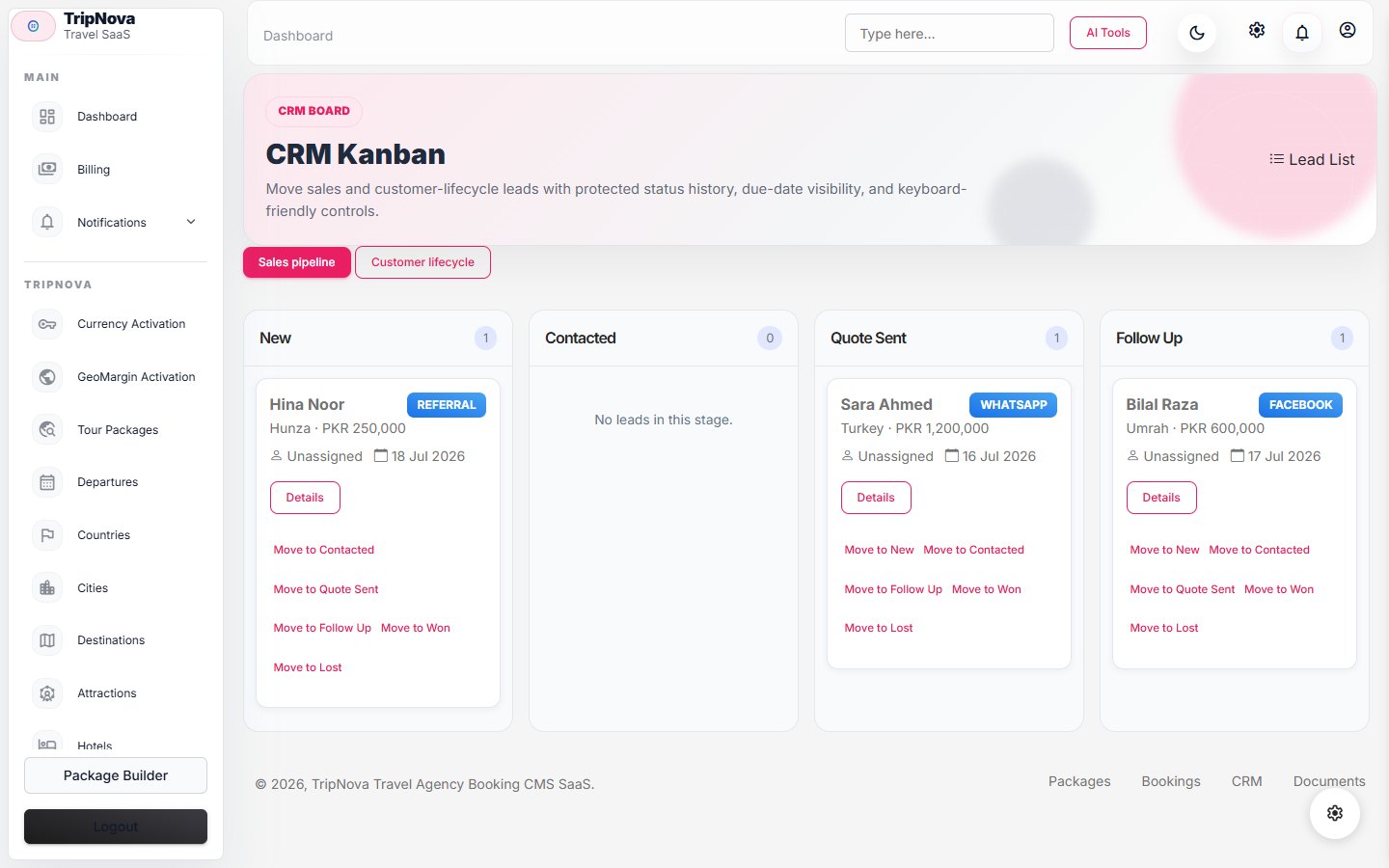
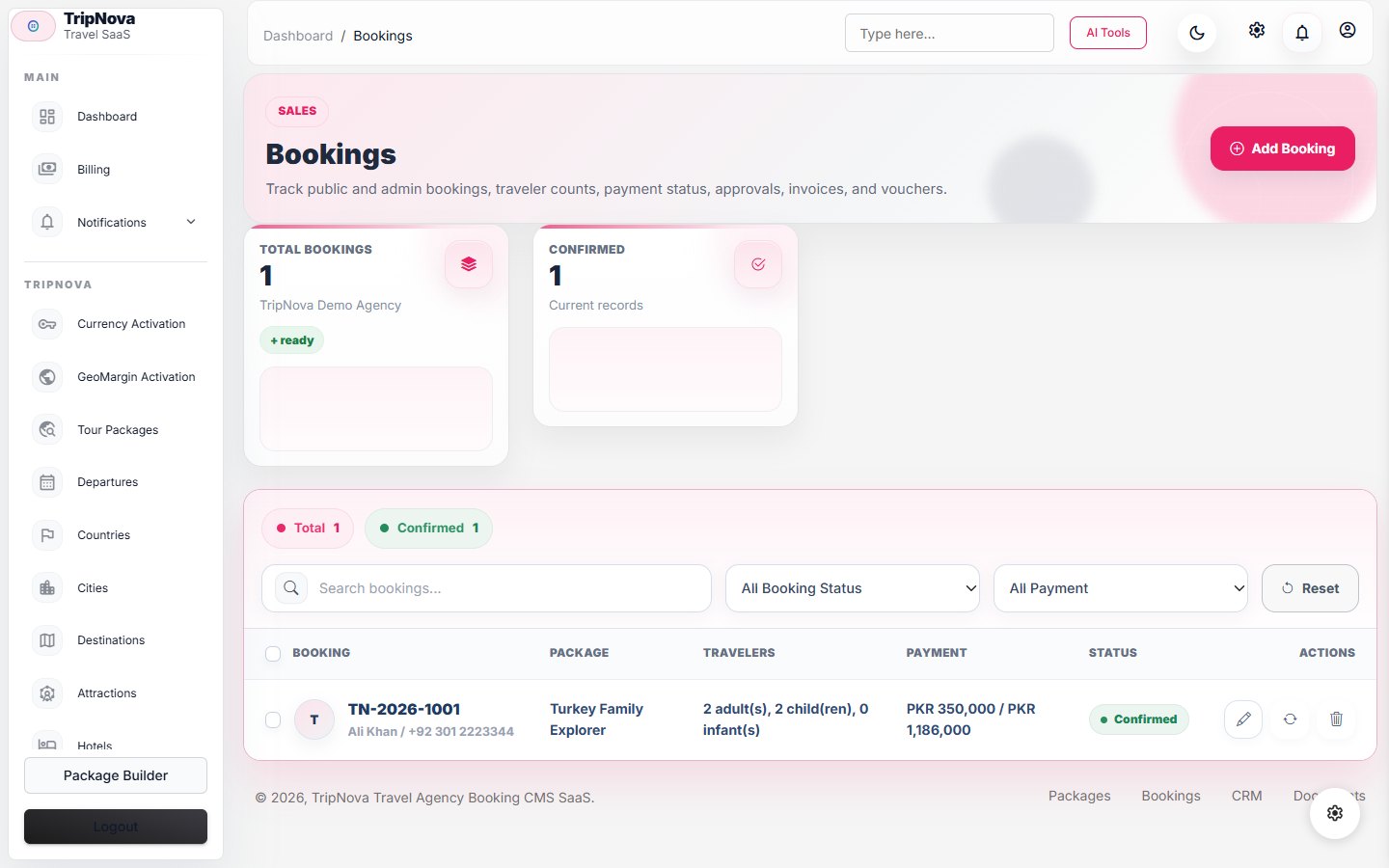
Use leads, CRM profiles, quote builder, quote approvals, bookings, traveler documents, payment records, refunds, risk flags, and customer messages to manage the booking lifecycle. Public quote links and widgets can capture customer intent without admin access.
Operations And Reporting
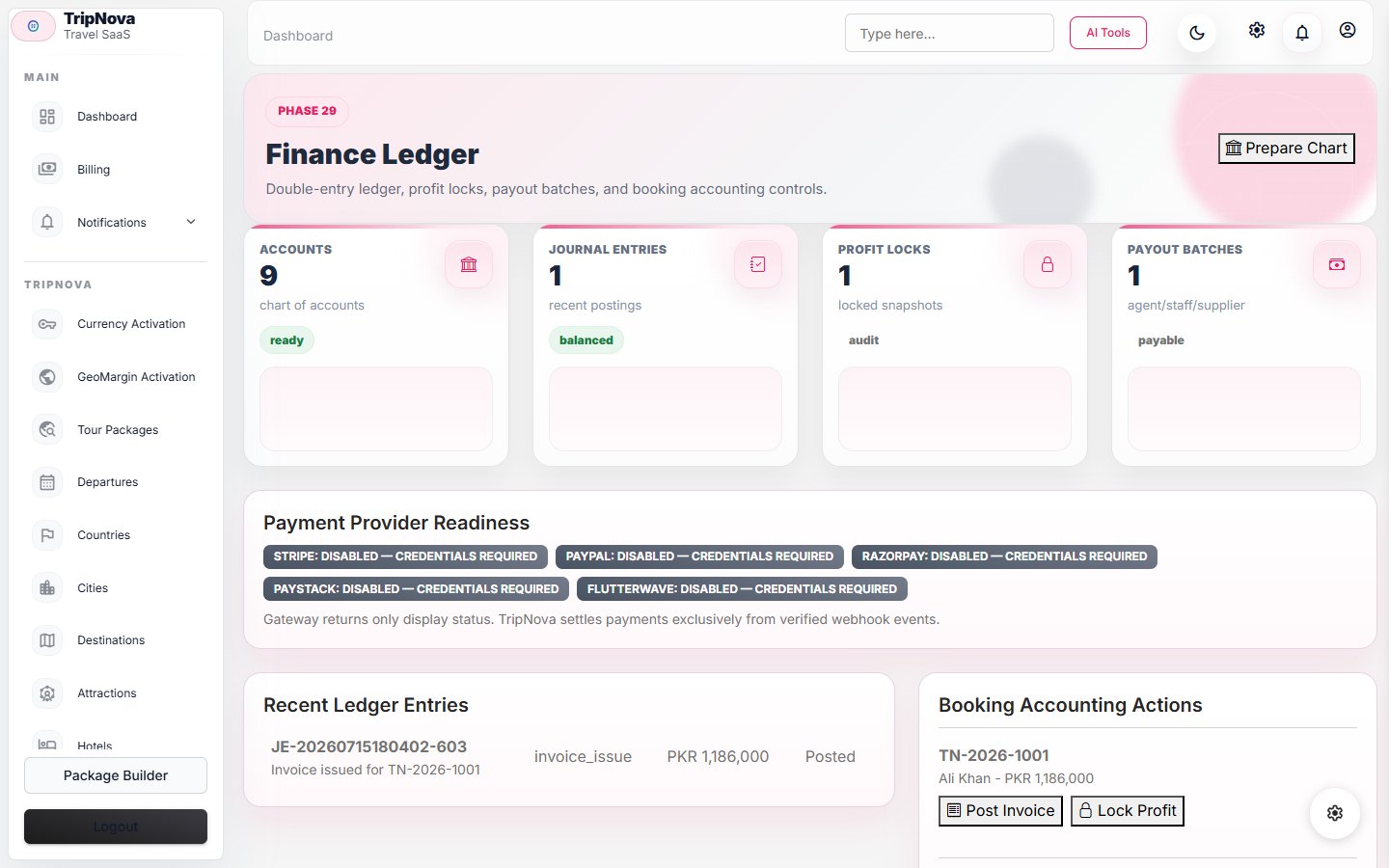
TripNova includes task calendars, incidents, automation rules, imports, exports, dashboards, saved searches, scheduled reports, compliance records, retention policies, and system health checks. Review failed automation logs before retrying outbound messages.

Daily Control Check
- Review departures, unconfirmed suppliers, unpaid or partially paid bookings, failed automations, and open incidents.
- Reconcile gateway events with payment records before issuing refunds.
- Resolve import errors and duplicate customer records before publishing reports.
- Verify customer-visible documents after itinerary, traveler, or payment changes.
Release Manager
The release manager runs pre-update checks, builds source and add-on ZIPs, and verifies CodeCanyon package readiness. Full shared-hosting builds are created from the CLI with php artisan tripnova:release-build --profile=all --output="/absolute/path".
End-to-End Verification
- Create a test lead and advance it through the CRM with an assigned owner.
- Create a quote from a published package, approve it, and convert it to a booking.
- Add travelers and supplier confirmation, then record a sandbox payment.
- Verify customer-facing booking, documents, wallet, and messages as the customer.
- Confirm finance, operations, reports, activity log, and notifications reflect the same booking.