
Payment Gateway And Mail Setup
TripNova supports configurable payment and mail credentials through Laravel environment variables. Always test sandbox keys before switching production traffic to live keys.
Payment Gateways
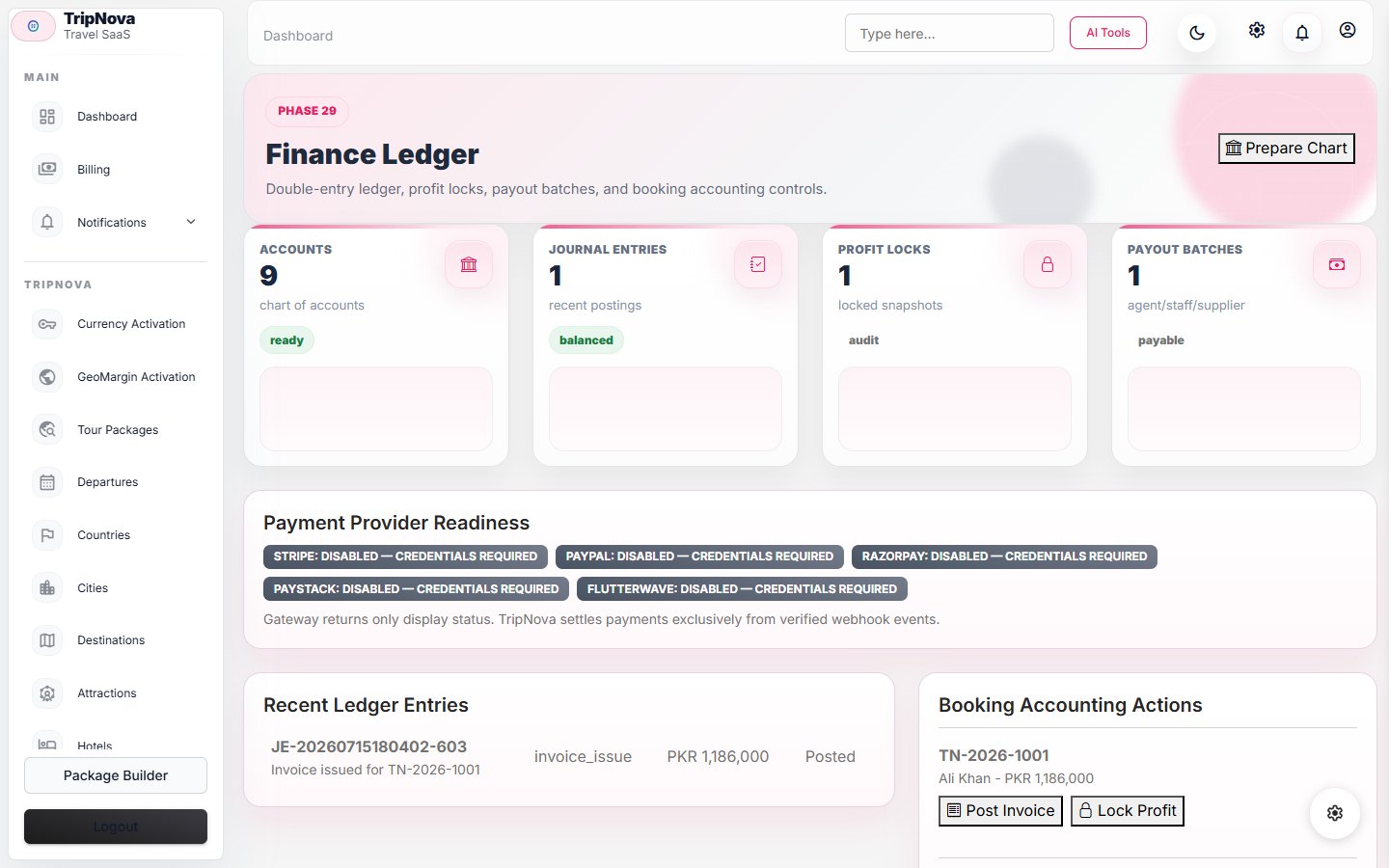
Configure the gateway keys that match the payment modules enabled in the admin area. The sample environment contains placeholders for Stripe, PayPal, Razorpay, Paystack, and Flutterwave. Leave unused gateway keys empty.
Webhooks
Use HTTPS callback URLs and copy each gateway webhook secret into .env. After changing webhook secrets, clear configuration cache with php artisan config:clear. Do not reuse sandbox webhook secrets for live mode.
SMTP
Set MAIL_MAILER=smtp, MAIL_HOST, MAIL_PORT, MAIL_USERNAME, MAIL_PASSWORD, MAIL_ENCRYPTION, MAIL_FROM_ADDRESS, and MAIL_FROM_NAME. For providers that use API keys, place the API key in the password field unless the provider has a dedicated integration.
Testing
- Run a small sandbox booking and confirm payment status changes.
- Trigger a quote email and verify inbox delivery and sender identity.
- Review logs for failed webhooks, SMTP authentication errors, and blocked outbound messages.
- Keep
APP_DEBUG=falseeven while testing production credentials.
Reconciliation And Failure Handling
- Match gateway event ID, amount, currency, booking, customer, and recorded status.
- Make webhook processing idempotent so a provider retry cannot duplicate a payment or refund.
- Investigate pending or mismatched events before changing a booking manually.
- Use a separate refund approval and record provider response evidence.
- For mail failures, distinguish message creation, queue processing, provider acceptance, and inbox delivery.