Authentication and Account Access
Create a unique Owner account during installation, then give every employee their own account. Never share production passwords or reuse marketplace demo credentials.
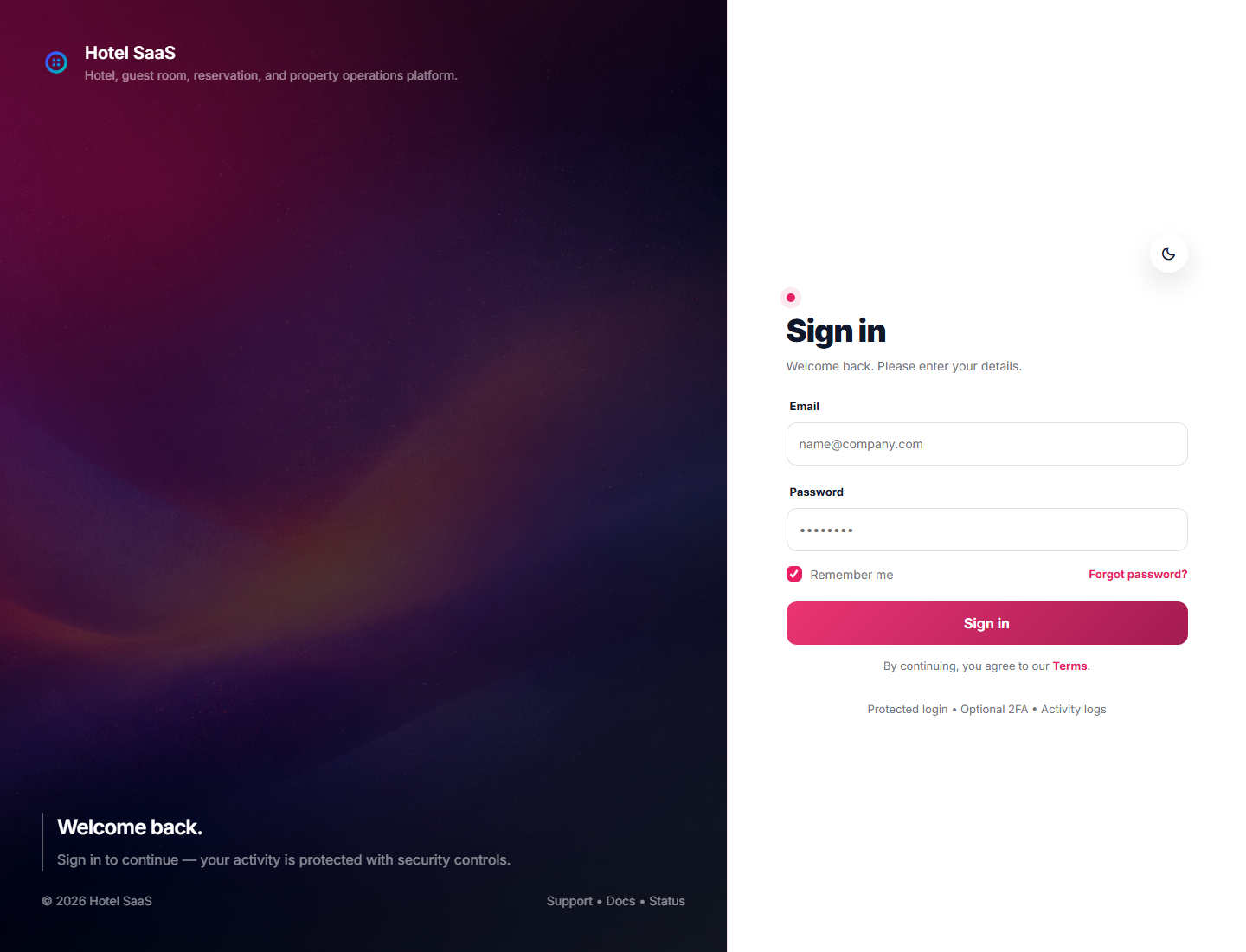
The sign-in page accepts the email and password of an active user. The hotel and permissions are resolved after login.
First production login
- Finish the web installer and create the Owner using a business-controlled email address.
- Sign in and confirm the hotel name, timezone, currency, and branch.
- Open Staff and create named accounts for reception, housekeeping, maintenance, and accounting.
- Verify each role with a private/incognito browser before opening the hotel to staff.
Security rule: demo accounts belong only to the resettable
/demo environment. Buyer documentation intentionally does not publish a production administrator password.Login and recovery fields
| Field | What to enter | Example |
|---|---|---|
| The employee’s unique account email. | frontdesk@example-hotel.com | |
| Password | The private password created for that user. | Use a password manager; never a shared desk password. |
| Forgot password | Sends a time-limited reset link through configured mail. | Use when the account is active but the password is unknown. |
Account lifecycle
- New starter: create the account with the minimum role needed and verify hotel access.
- Role change: update permissions only after an Owner approves the new duties.
- Departing staff: deactivate the account immediately; do not rename it for a replacement.
- Suspicious activity: disable the user, review activity logs, rotate affected credentials, and document the incident.
Common problems
Login rejected
Confirm the exact email, active status, and password. Use password recovery instead of repeatedly guessing.
Page is forbidden
Authentication succeeded, but the role lacks permission. Ask an Owner to review the role; do not bypass the check.
No reset email
Check SMTP, the queue worker, spam folders, and the application log. Use the SMTP guide.