Certificates + QR Verification
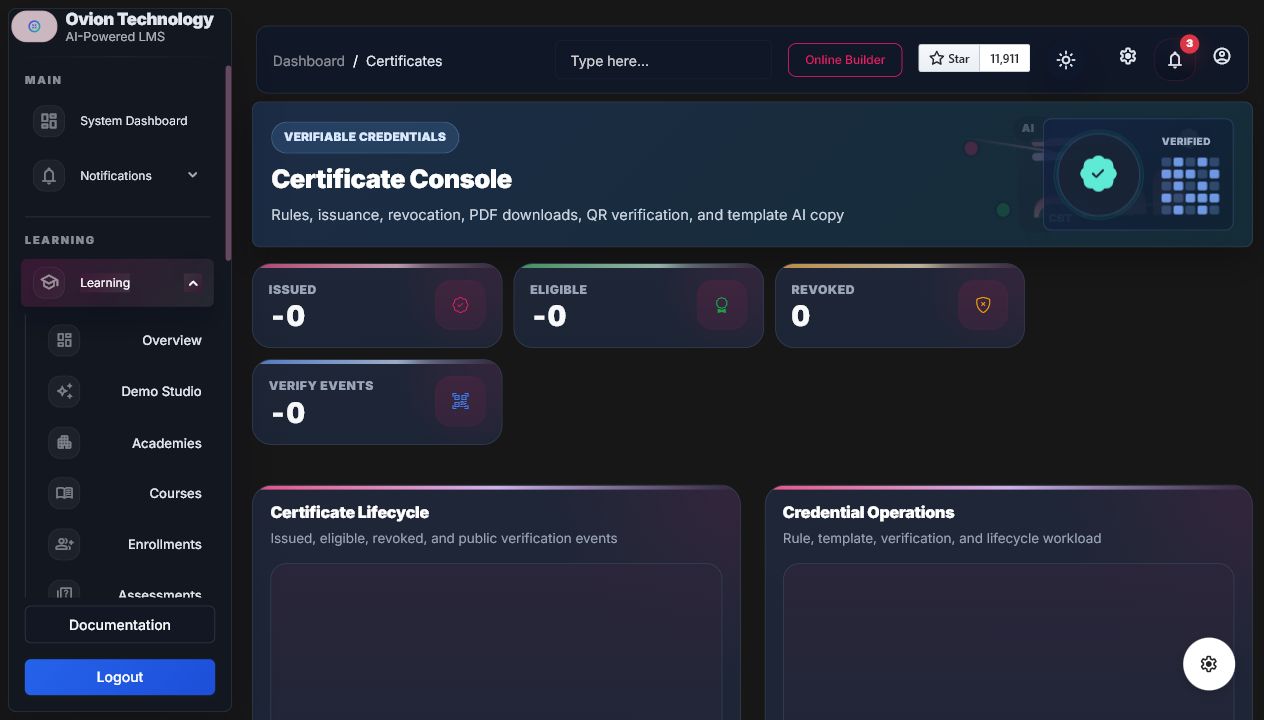
Certificates connect course completion to verifiable public proof with issue rules, templates, IDs, PDF downloads, QR verification, revocation, reissue, history timelines, and AI-generated achievement text.
Issue Rules
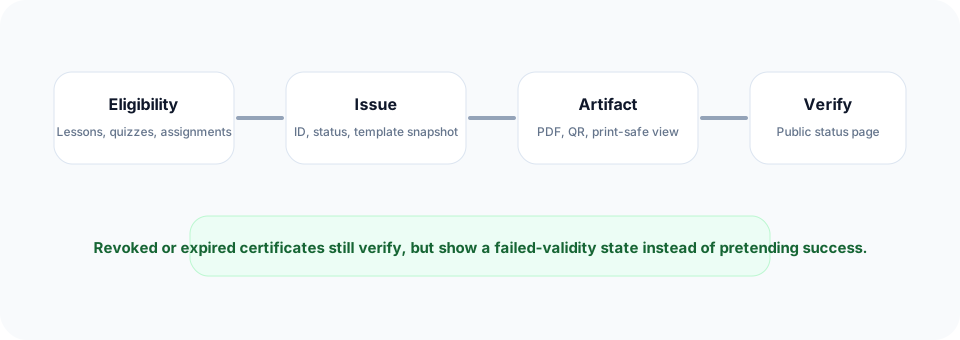
- All lessons or required lessons completed.
- Quiz pass, assignment pass, minimum progress, or minimum final percentage.
- Manual approval can block automatic issuance.
- Availability can be immediate or delayed.
- One active certificate per student/course unless revoked and reissued.
Important Routes
| Screen | Route | Purpose |
|---|---|---|
| Admin console | /lms/certificates | Rules, templates, eligibility, history, revoke/reissue, downloads. |
| Student wallet | /student/certificates | Download and verification actions. |
| Public verify | /certificates/verify/{code} | Certificate artifact, status, identity, QR target, invalid/revoked states. |
| Download PDF | /certificates/verify/{code}/download | Dompdf certificate stream with certificate ID and QR. |
AI Tools
AI can suggest certificate title, achievement text, completion summary, and public verification copy. Staff preview and apply manually; AI never issues, revokes, or changes certificate status.
Demo And Developer Notes
Buyer exampleVerify a seeded certificate code, inspect QR proof, then compare public preview, print, and PDF output.
Developer noteKey anchors are
certificates-workspace and certificate-verify-page. Public verification must not expose private learner grades beyond certificate metadata.- Eligibility checklist is visible.
- Revoked certificates show invalid state.
- PDF includes certificate ID and QR.
- Verification events are logged.