System Requirements
Verify the server before installation. The web server must expose only Laravel’s public directory while application, configuration, storage, and vendor code remain outside the document root.
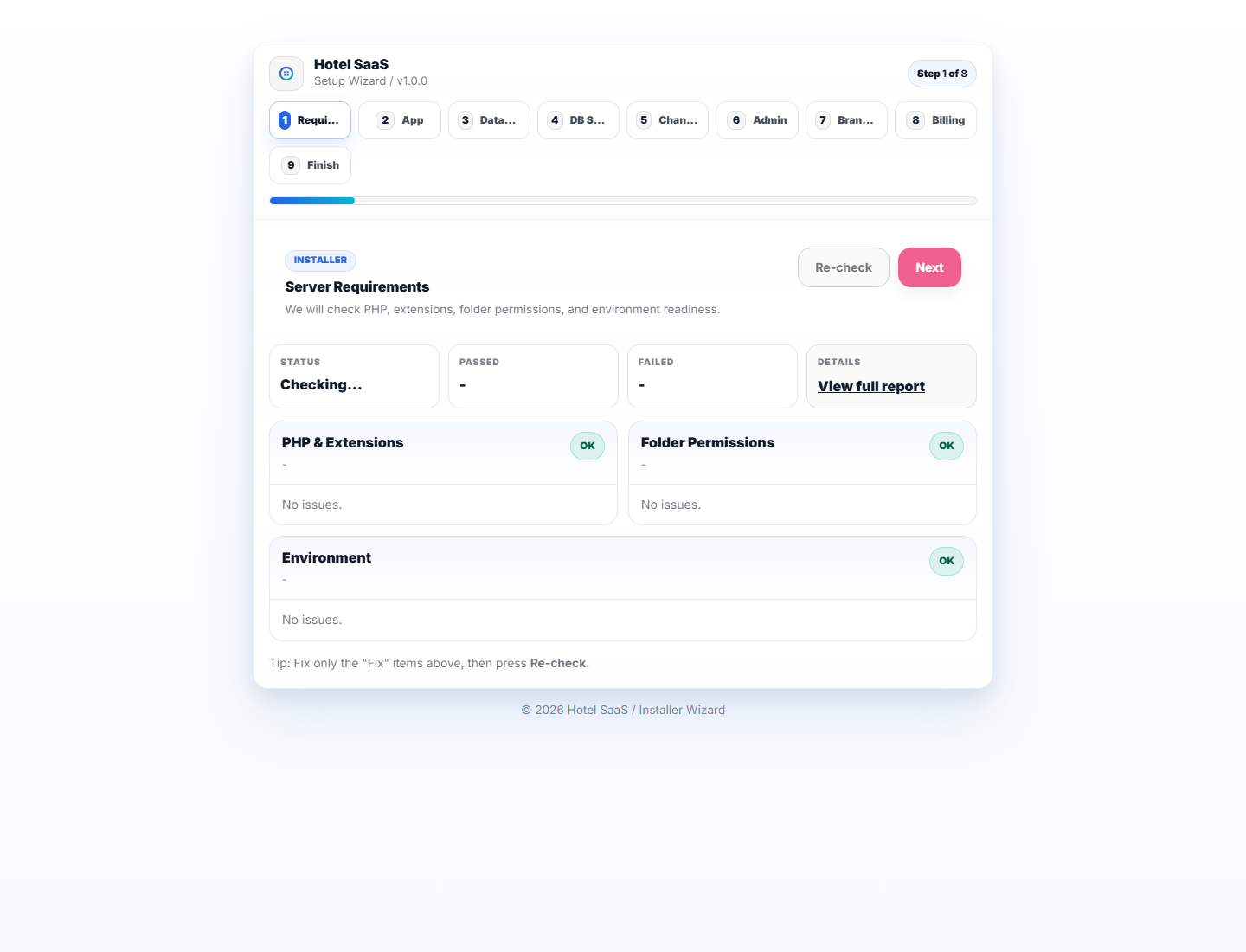
Runtime checklist
| Component | Requirement | Why |
|---|---|---|
| PHP | Version accepted by composer.json | Laravel runtime, workers, PDF and image processing. |
| Database | MySQL/MariaDB with utf8mb4 | Hotel data and Unicode guest names. |
| Composer | Production dependency installation | Builds optimized PHP autoload files. |
| Node.js/npm | Version supported by Vite | Builds production CSS and JavaScript. |
| Web server | Apache/Nginx/LiteSpeed with HTTPS | Routes requests safely to public/index.php. |
PHP and filesystem
- Enable extensions reported by the installer, including database, JSON, OpenSSL, tokenizer, fileinfo, image, and internationalization support required by the package.
- Make
storageandbootstrap/cachewritable by the PHP/web-server user. - Allow controlled evidence/photo uploads and PDF generation.
- Keep
.env, logs, private evidence, backups, and vendor source inaccessible from the web.
Production services
- A queue worker supervised and restarted after deployments.
- The Laravel scheduler invoked every minute.
- SMTP/provider credentials; live payment keys and signed webhooks if enabled.
- Automated database/private-file backups stored outside the web root and restore-tested.
- HTTPS certificate, secure cookies, production environment, and debug disabled.
Preflight commands
composer validate --strict
composer audit
php artisan about
php artisan route:list
npm audit --omit=dev
npm run build
If the installer shows a failed requirement, fix the server and refresh the check. Do not edit the installer to hide a missing extension or permission.