Demo Data and Live Preview
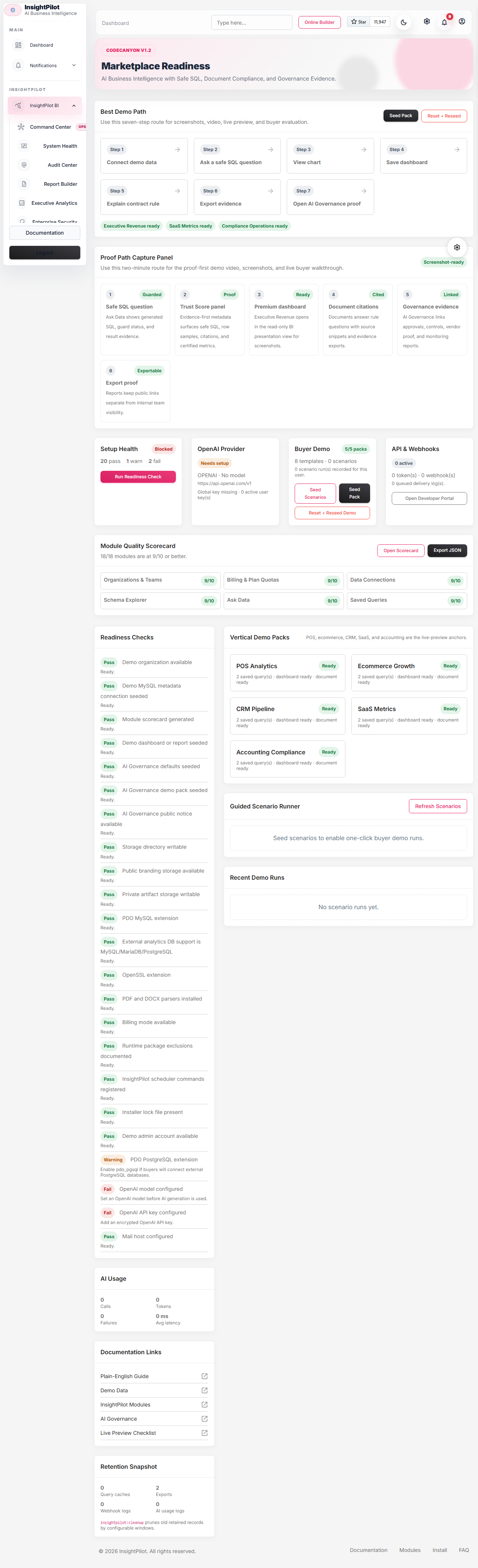
Demo data is built for CodeCanyon live preview and buyer evaluation. It shows value without requiring a real customer database or OpenAI spend.

What Is Seeded
- Integration presets for POS, CRM, HR, TicketPro, ecommerce, booking, and SaaS.
- Demo saved query: revenue by category.
- Demo executive dashboard with saved-query and anomaly widgets.
- Demo weekly executive brief.
- Demo revenue drop anomaly.
- Demo recommended action.
- Demo templates for dashboards, executive briefs, and anomalies.
- AI Governance default questions, weighted rules, approval templates, transparency notice templates, evaluation tests, control library items, and vendor questionnaires.
- AI Governance launch demo pack with fictional HR screening, support chatbot, internal summarization, prohibited-use, unknown-risk, synthetic-media records, vendor questionnaire output, governance report export, and a public transparency notice.
AI Governance Demo Notes
The default seeders prepare AI Governance configuration. The installed demo command seeds the AI Governance launch pack automatically. The separate launch demo command is useful when you only want to add or refresh fictional AI Governance records for screenshots and buyer walkthroughs.
php artisan insightpilot:seed-ai-governance-demo --user_id=1The demo pack creates high-risk HR screening, limited-risk support chatbot, minimal internal summarization, prohibited social-scoring concept, unknown fraud-detection clarification, synthetic media notice, evidence placeholders, open alerts, a serious incident, approval states, a completed vendor questionnaire, a governance report export, and a public transparency notice.
Best marketplace demo path: connect demo data -> ask a safe SQL question -> view chart -> save dashboard -> explain a contract rule -> export evidence -> open AI Governance proof. For AI Governance screenshots, use Overview -> Reviewer Inbox -> Use Cases -> Risk Assessments -> Approval Requests -> Vendor Questionnaires -> Control Library -> Transparency Notices -> Governance Reports -> Monitoring.
Seed Through Installer
During Step 4, enable demo data. If the admin account does not exist yet, InsightPilot stages the demo and attaches it automatically after Step 6 creates the admin user.
Installed Demo Environment
For CodeCanyon live preview, local review, screenshots, and browser E2E tests, use the installed demo command. It runs setup, creates a locked installer marker, creates the demo admin, seeds the demo organization, creates AI Governance walkthrough data, fills module readiness data, and prints demo URLs.
php artisan insightpilot:demo-installUse --fresh only on a disposable preview database. It rebuilds the database before seeding the demo.
Email: admin@ovion.tech
Password: Demo@12345
Reset The Preview
Run the reset command before recording new screenshots, videos, or buyer walkthroughs. It reseeds the buyer demo pack for the demo admin without deleting normal production users.
php artisan insightpilot:demo-reset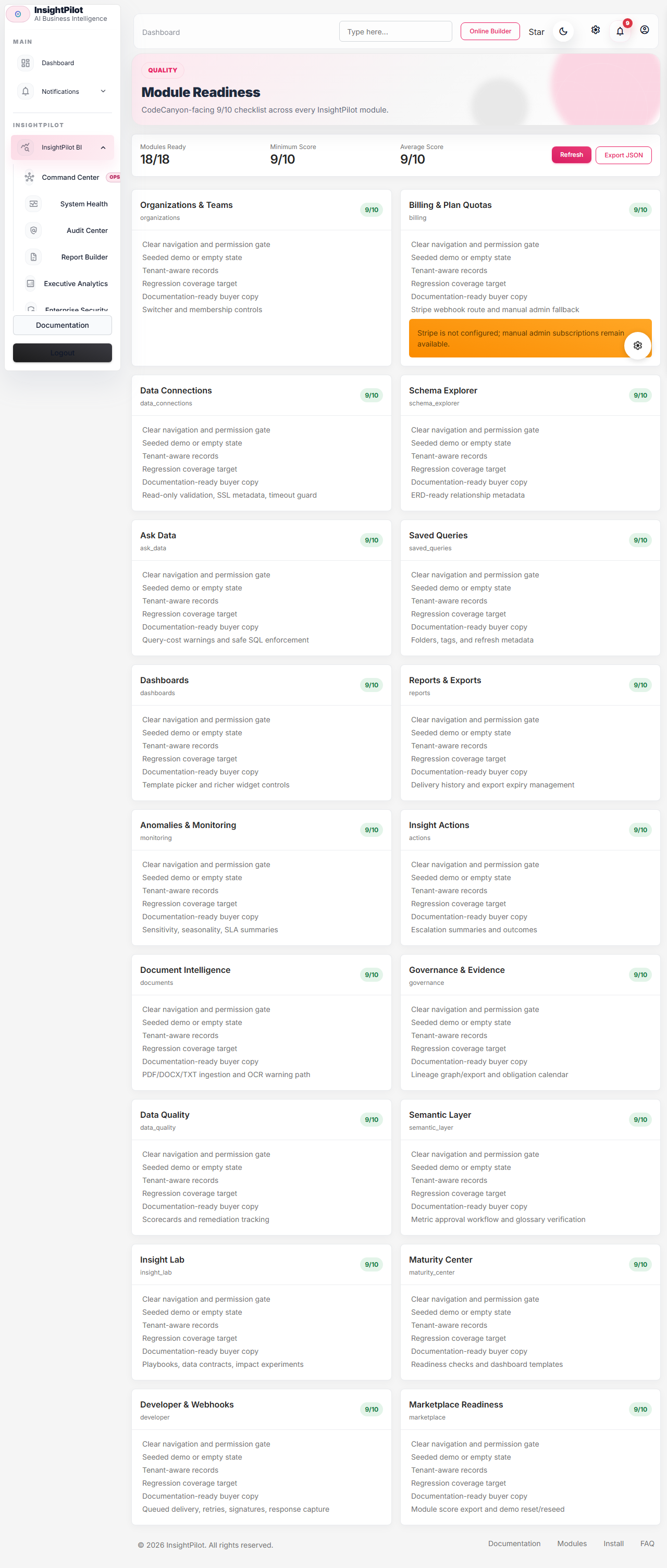
Manual Command
php artisan insightpilot:seed-demo --user_id=1
php artisan insightpilot:seed-ai-governance-demo --user_id=1
OpenAI Disabled Fallback
If OpenAI key or model is missing, Ask Data shows a clear demo-mode notice. Buyers can still open dashboards, anomalies, saved queries, presets, reports, and maturity checks. AI generation becomes available after Settings -> OpenAI is configured.
Suggested Live Preview Account
Email: admin@ovion.tech
Password: Demo@12345