CX platform and support operations
SupportHub CX Platform Documentation
These docs cover the actual Laravel platform in this project: tickets, live chat, Customer 360, requesters, organizations, contracts, SLAs, playbooks, automations, reports, AI guardrails, developer APIs, SaaS productization, status operations, identity, settings, installer, and recovery tools.
TicketPro is the ticket-focused support desk lineage. SupportHub includes that ticket foundation and expands it into a CX platform with live chat conversion, Customer 360, feedback, community, status, AI capability governance, SaaS tenancy, Demo Hub, GraphQL, and broader productization surfaces. See SupportHub vs TicketPro.
- Admins configure settings, roles, departments, users, integrations, updates, and recovery tools.
- Agents work ticket queues, replies, notes, SLAs, issue groups, subtasks, time entries, and playbook steps.
- Organization leads handle approvals, routing ownership, closure review, and account accountability.
- Requesters use the public support form, ticket tracking, or authenticated portal.
/dashboard- internal command center./tickets- queue, saved views, bulk work, and ticket detail./support- public ticket intake and tracking./portal- requester portal login and ticket workspace./knowledge-baseand/status- public self-service surfaces./api/v1- scoped external API and inbound mailbox integrations.
Module Map
Tickets, linked cases, saved queue views, assignment, SLA state, customer replies, internal notes, finalized-ticket edit locks, admin edit approvals, Case Files, consultation completion, consultation recordings, subtasks, time tracking, collaboration drafts, dossier export, AI draft assistance, and playbook execution.
Live chat to native tickets, Customer 360, customer success plans, feedback, community, public status, knowledge, Customer Health, AI summaries, next-best actions, and portal experience.
Reports, invoices, report schedules, automation workflows, webhooks, API clients, REST and GraphQL developer surfaces, Demo Hub, SaaS tenancy, advanced analytics, recovery snapshots, update delivery, and identity controls.
Recommended Setup Order
- Install the app and lock the installer.
- Optional for training: open Demo Mode, seed scenario data, and run the guided walkthroughs.
- Configure Settings, email delivery, security, and branding.
- Create departments, users, roles, ticket categories, priorities, statuses, and business hours.
- Add SLA policies, custom fields, tags, reply templates, FAQ entries, and mailboxes.
- Create organizations, portal requesters, support teams, and support contracts.
- Enable live chat conversion, Customer 360, playbooks, automation rules, webhooks, API clients, report schedules, and status page components.
- Run background scheduler commands and monitor the Operations Center.
Local Setup Evidence
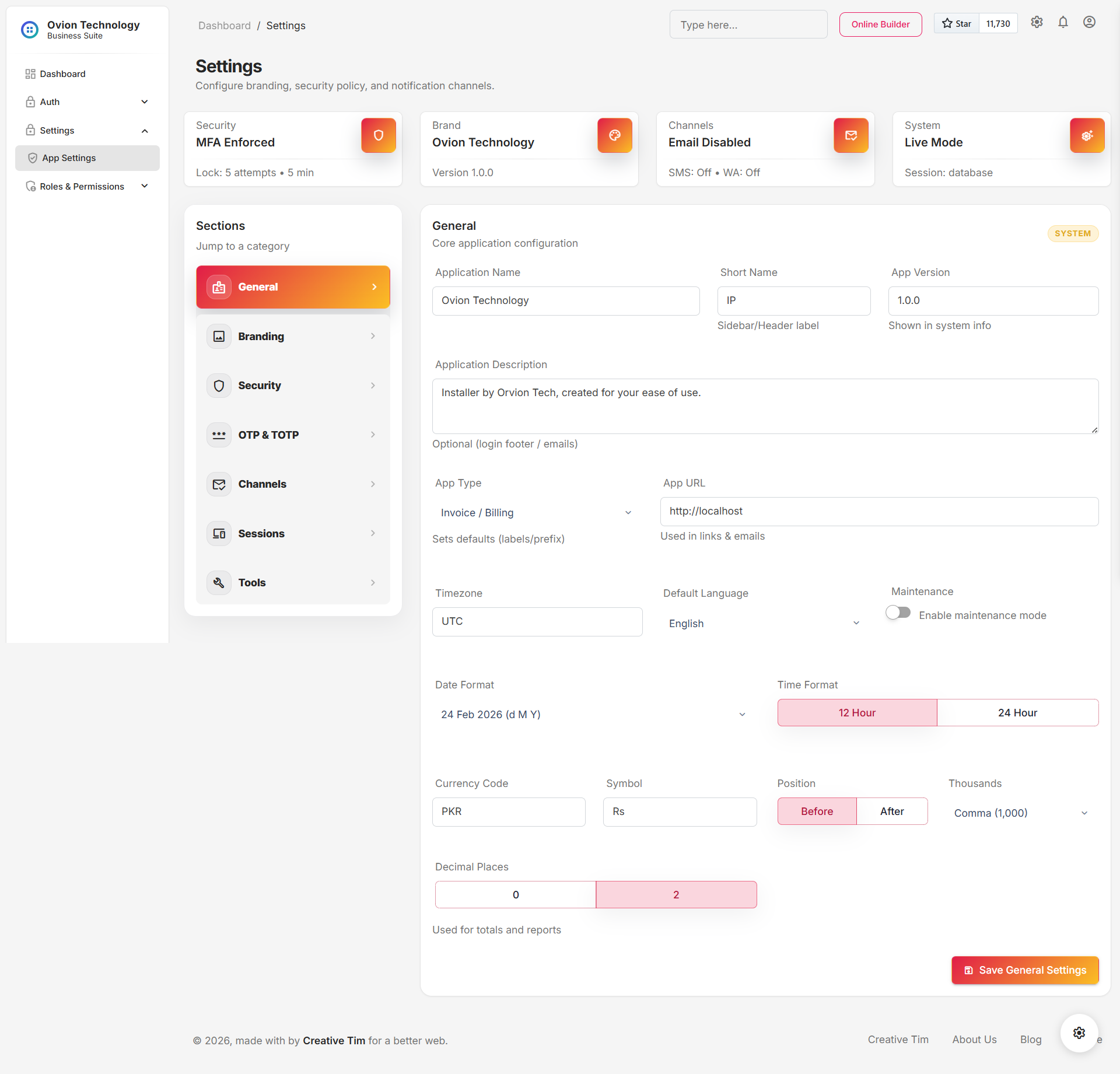
SupportHub keeps its setup and security captures inside this documentation package. These screens establish the authenticated platform and administrator configuration surfaces used by the CX workflows in this manual.