Admin Setup
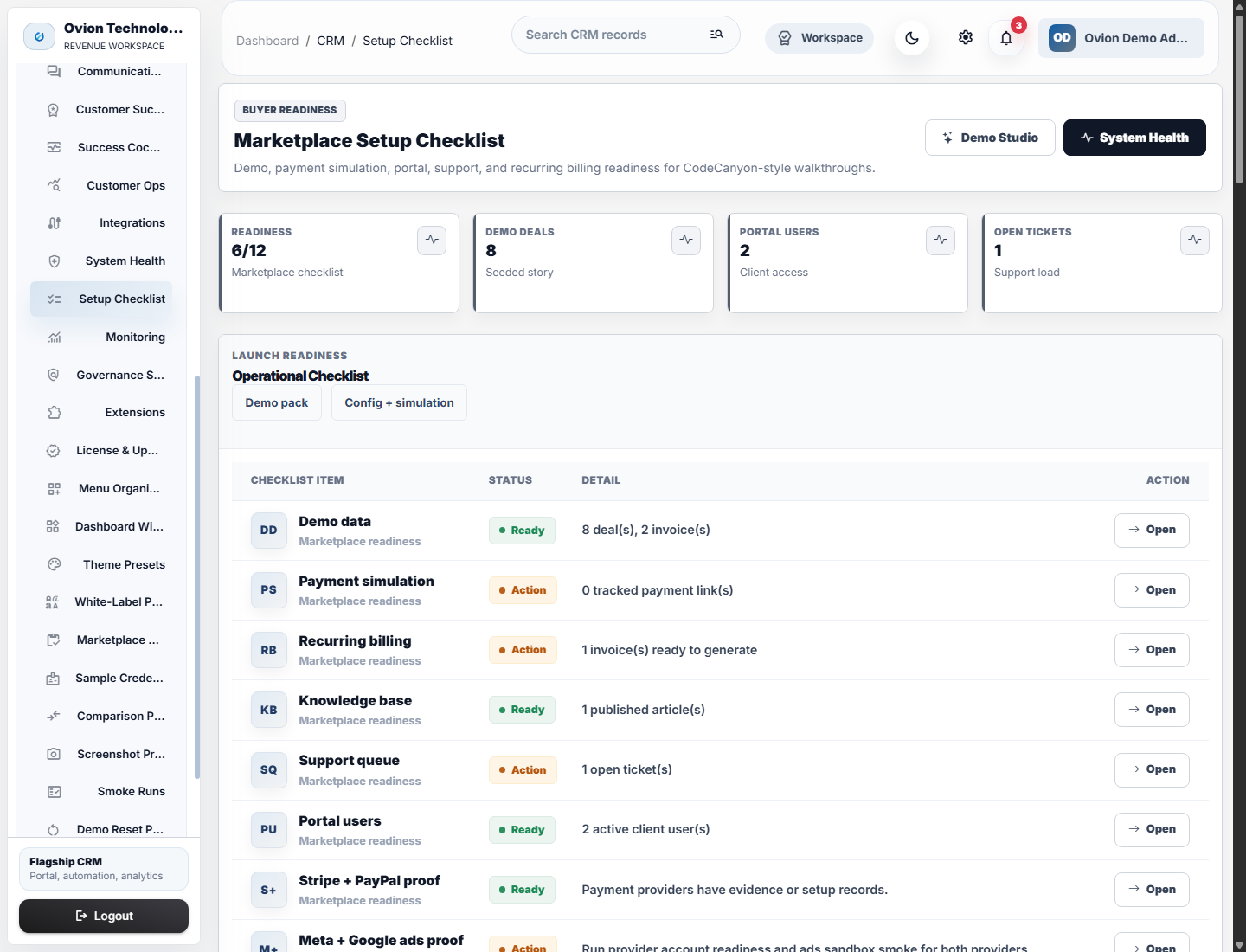
The first administrator should complete settings, security, roles, mail, notifications, demo policy, System Health, and release readiness before inviting staff or portal users.
Setup Order
- Complete general settings and branding.
- Configure SMTP and test mail delivery.
- Review password, OTP, TOTP, upload, session, and CSP settings.
- Create roles and assign permissions by job responsibility.
- Run System Health and resolve blocking checks.
- Invite staff and portal users only after permissions are verified.
Admin Proof Screens