Client Portal
The portal gives clients a separate authenticated workspace for commercial records, delivery, support, approvals, files, requests, and security controls.
Dashboard
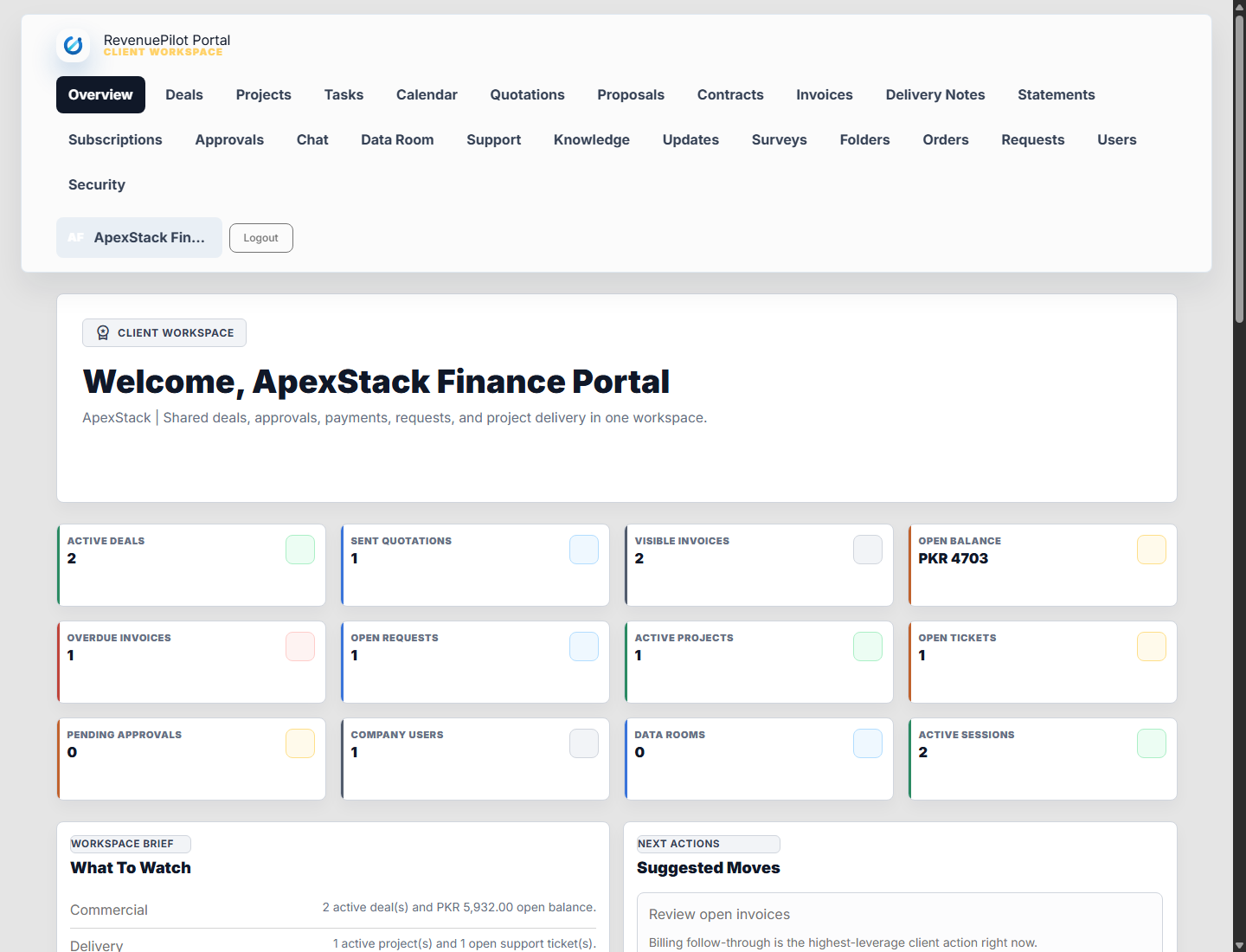
Portal users start at /portal/dashboard and see relevant account, billing, delivery, support, and request information scoped to their company permissions.
Commercial Records
Clients can review deals, quotations, proposals, contracts, invoices, delivery notes, subscriptions, statements, and approvals when those records are portal-visible.
Collaboration
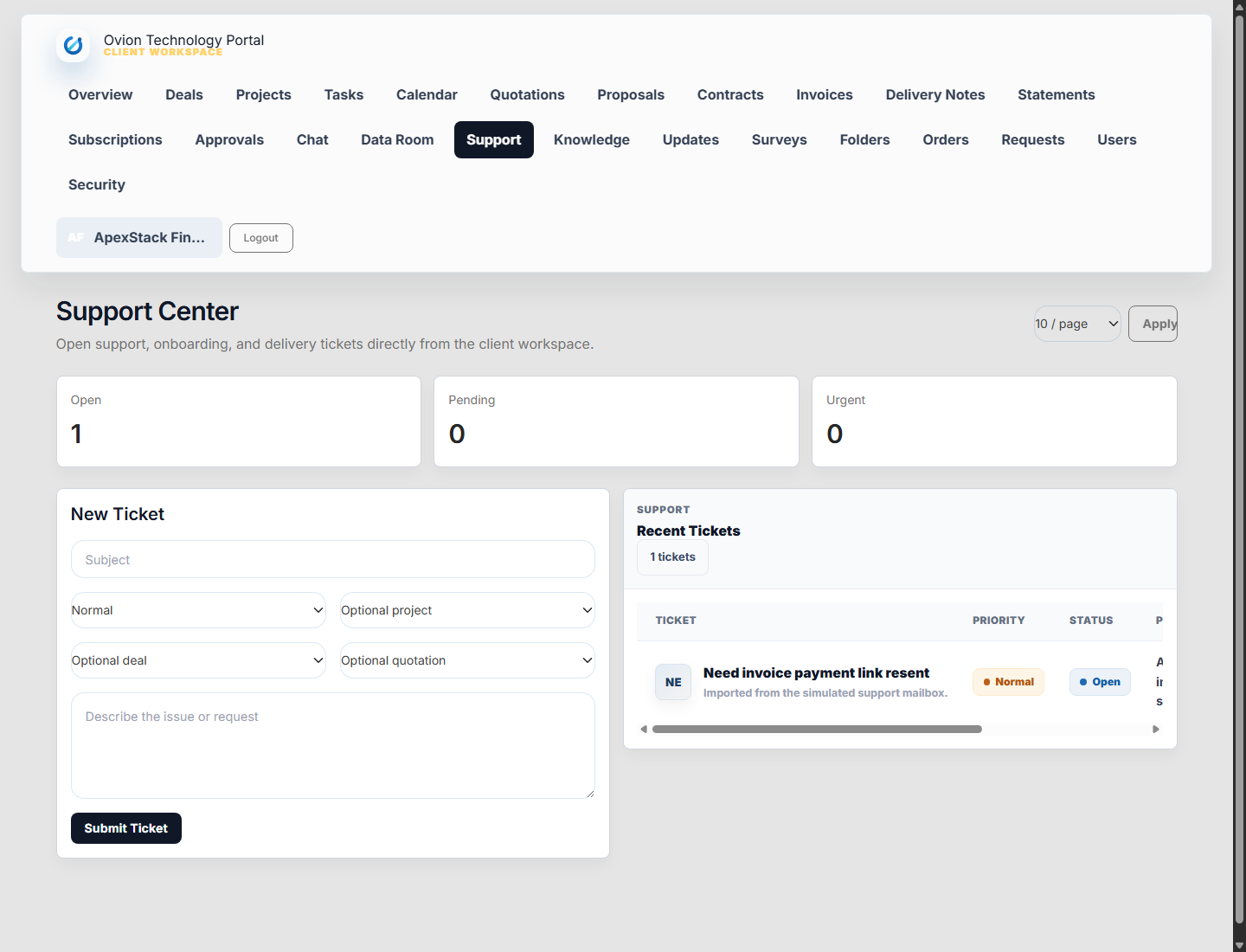
Portal tickets, threads, requests, file folders, data room, knowledge base, announcements, surveys, orders, calendar, and user management reduce back-and-forth outside the CRM.
Security
Portal authentication uses its own guard and supports reset, two-factor challenge, session activity tracking, session revocation, and company-scoped access.