Trusted scoring
Mark, moderate, approve, and publish results
Complete every required marking and review state before making results visible to students, guardians, reports, or integrations.
MarkerModeratorAssessment administrator
Who does thisMarkers score; moderators reconcile; authorized administrators publish
Before you startAttempts are submitted and integrity review requirements are satisfied
Successful outcomeFinalized, approved, and intentionally published results
What this means in plain language
A mark is not automatically a published result. Objective scoring, manual scoring, moderation, holds, rechecks, approval, and publication are separate states with separate responsibilities.
Step-by-step
- Run objective grading where supported and review exceptions instead of assuming every response graded correctly.
- Assign manual responses to authorized markers and apply the configured rubric consistently.
- Record feedback and rationale without exposing private internal notes to the wrong audience.
- Complete required second marking or moderation and resolve disagreements with an auditable decision.
- Review totals, formulas, holds, missing marks, and approval status.
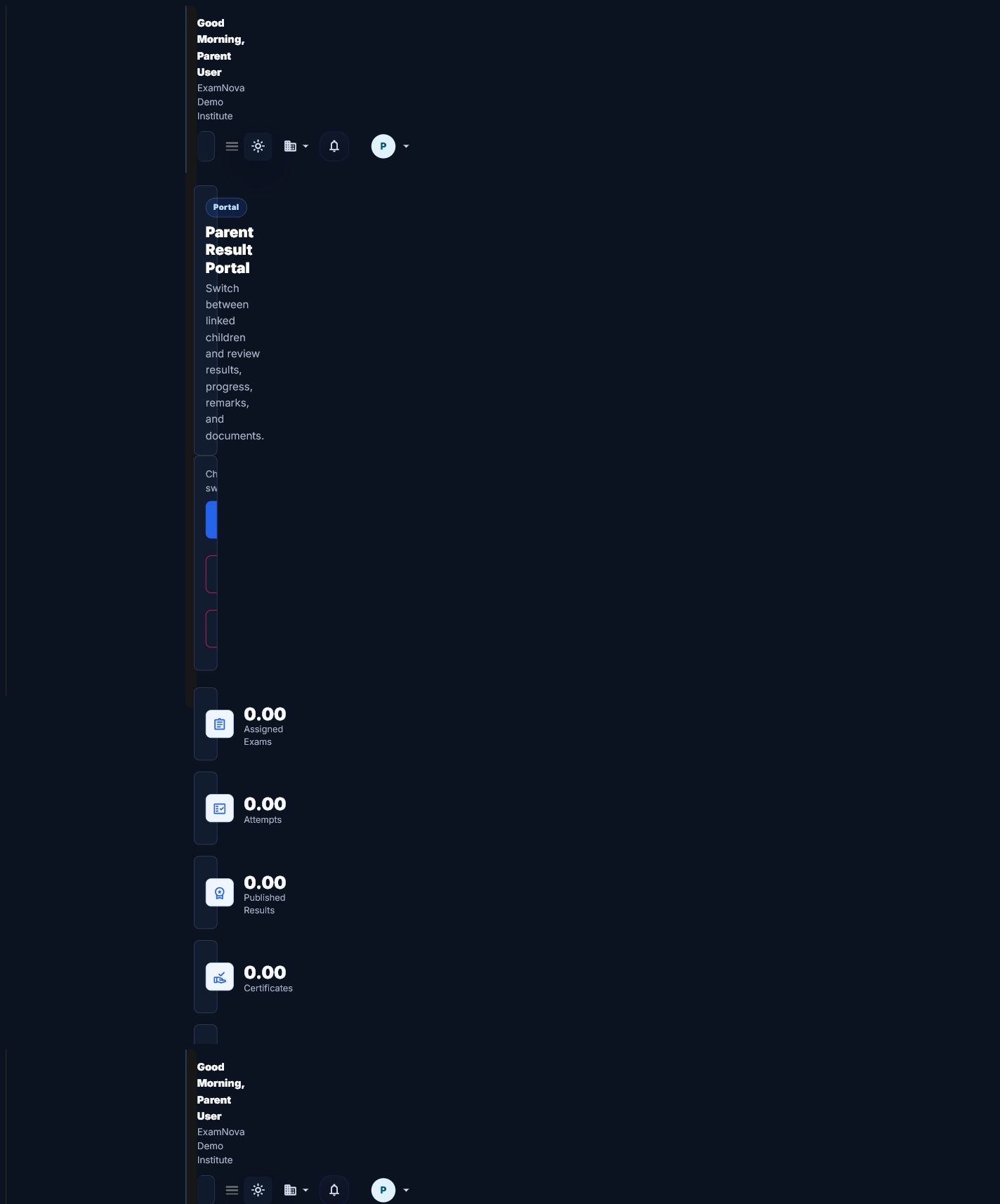
- Publish results intentionally, then verify the student and guardian views with permitted test accounts.


How to know it worked
- Every required response has a valid mark or documented exception.
- Moderation and approval requirements are complete.
- No unresolved hold blocks publication.
- Student, guardian, report, and export views agree on the published result.
Common mistakes
- Publishing with incomplete manual marks.
- Editing a final score without recording the permitted correction or recheck path.
- Exporting draft or held results to an external system.
If something goes wrong
- If publication is blocked, inspect incomplete marking, moderation, approval, and hold indicators.
- If totals differ, review formulas and persisted grades before recalculating.
- If a user cannot see a published result, verify relationship, permission, and result-release policy.
Privacy and security: Results, feedback, ranks, and recheck records are education records. Apply least privilege and avoid exposing small-cohort analytics that identify individuals.
What to do next
Issue permitted result documents, review reports, and export only approved outcomes.