Understand the whole booking platform without reading code.
BookFlow is a multi-tenant booking system for service businesses. This guide explains signup checkout, tenant creation, customer dashboard, wallet payments, vendor admin operations, programs, website pages, integrations, and system proof using screenshots and simple examples from Nimbus Wellness Studio.
Quick Start Links
Public Platform
Nimbus Tenant
Demo Credentials
| User type | Password | What to open first | |
|---|---|---|---|
| Demo admin | admin@ovion.tech | Demo@12345 | Nimbus vendor admin |
| Staff examples | avery.stone@nimbuswellness.test, lina.park@nimbuswellness.test | Demo@12345 | Operational admin pages allowed by role |
| Customer examples | Seeded customers use @customer.test emails | Demo@12345 | Customer portal |
Storefront Reseed With Media
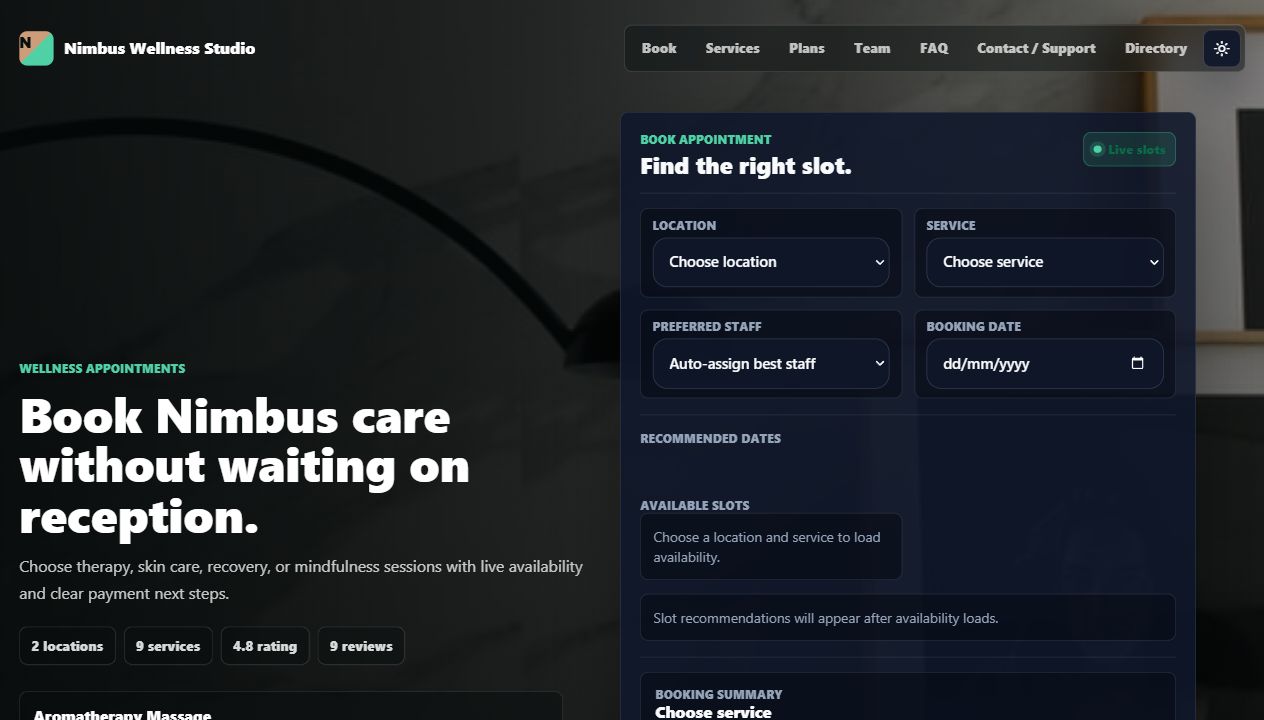
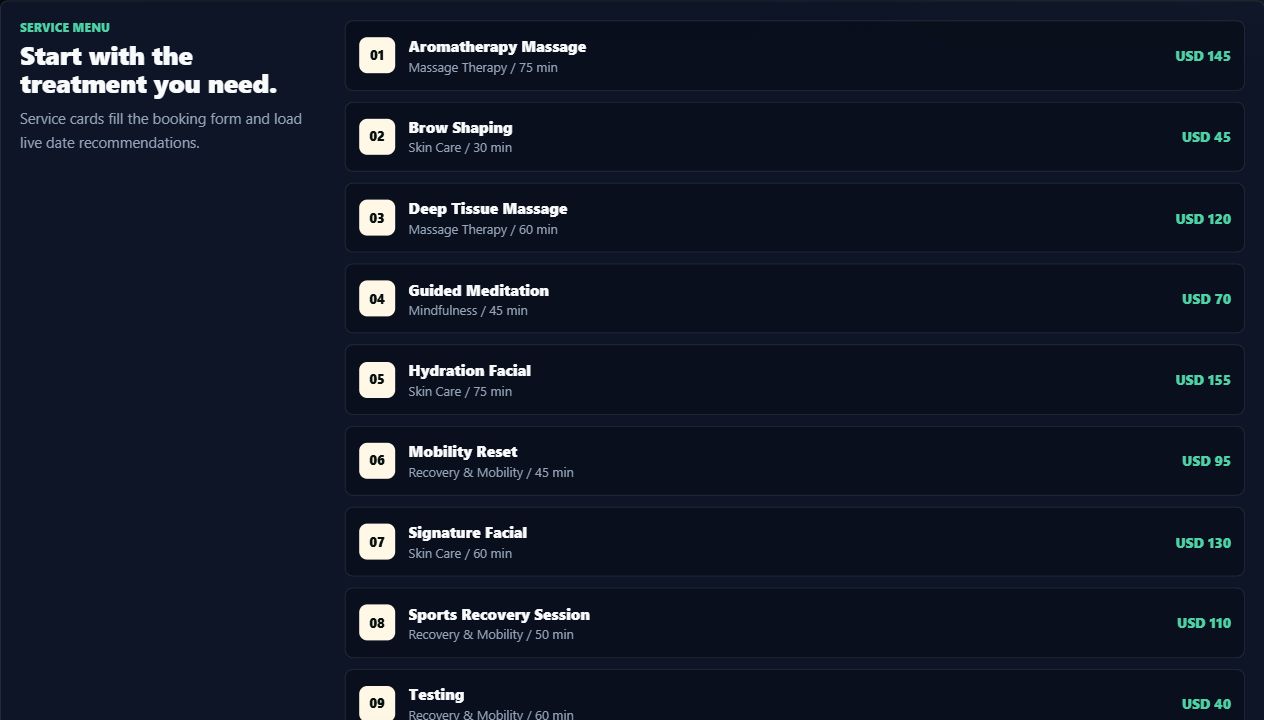
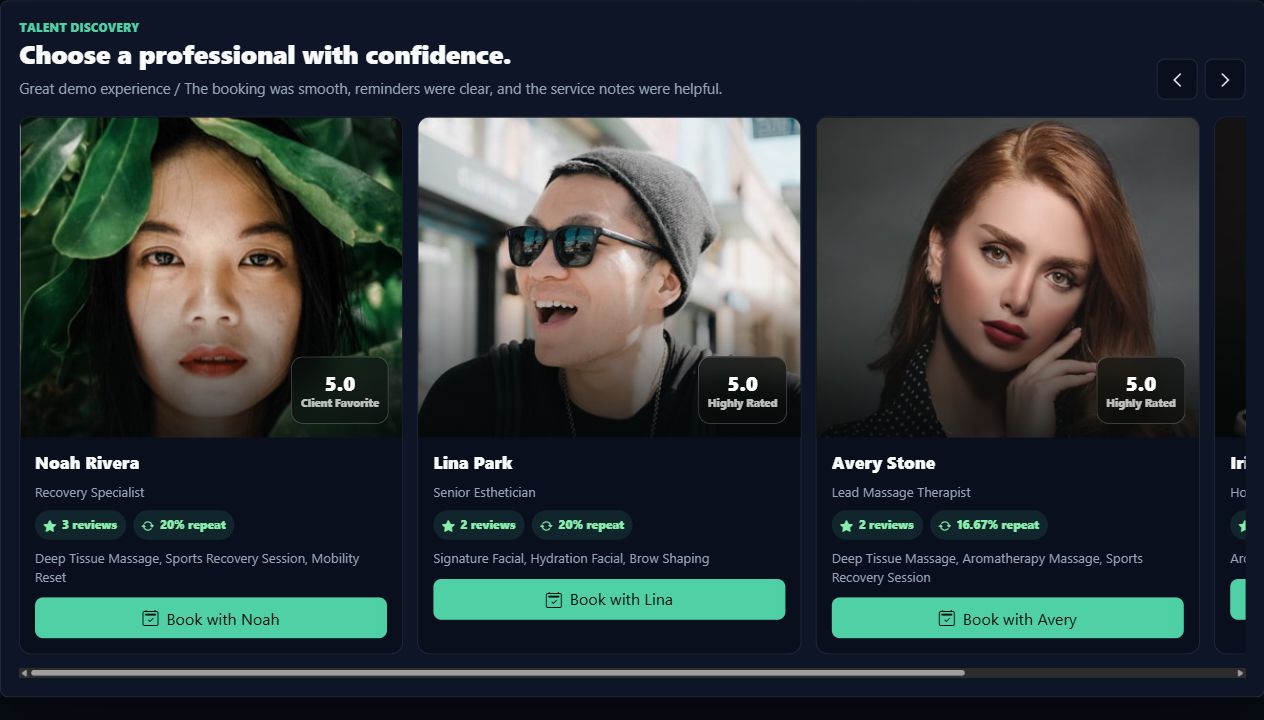
Use this command when Nimbus needs a complete fresh storefront: tenant media, rich metadata, homepage builder blocks, website pages, drafts, and revision snapshots.
php artisan bookflow:storefront-reseedThe full flow is covered in Storefront And Website and Storefront And Customer Reference.
Big Picture
The easiest way to understand BookFlow is to separate it into three layers. The platform sells and hosts the SaaS. Each vendor tenant runs a business workspace. Customers use public booking pages, wallet payments, support handoff, and the central customer portal.
Platform
Owns plans, signup, sandbox subscription checkout, directory, global login, customer dashboard, and the portal entry point.
Vendor Tenant
Owns services, staff, locations, resources, bookings, website pages, payments, no-show controls, reports, programs, AI operations, and integrations.
Customer
Books from the storefront, pays from a signed payment page or wallet, manages bookings from the portal, and comes back through rebooking actions.
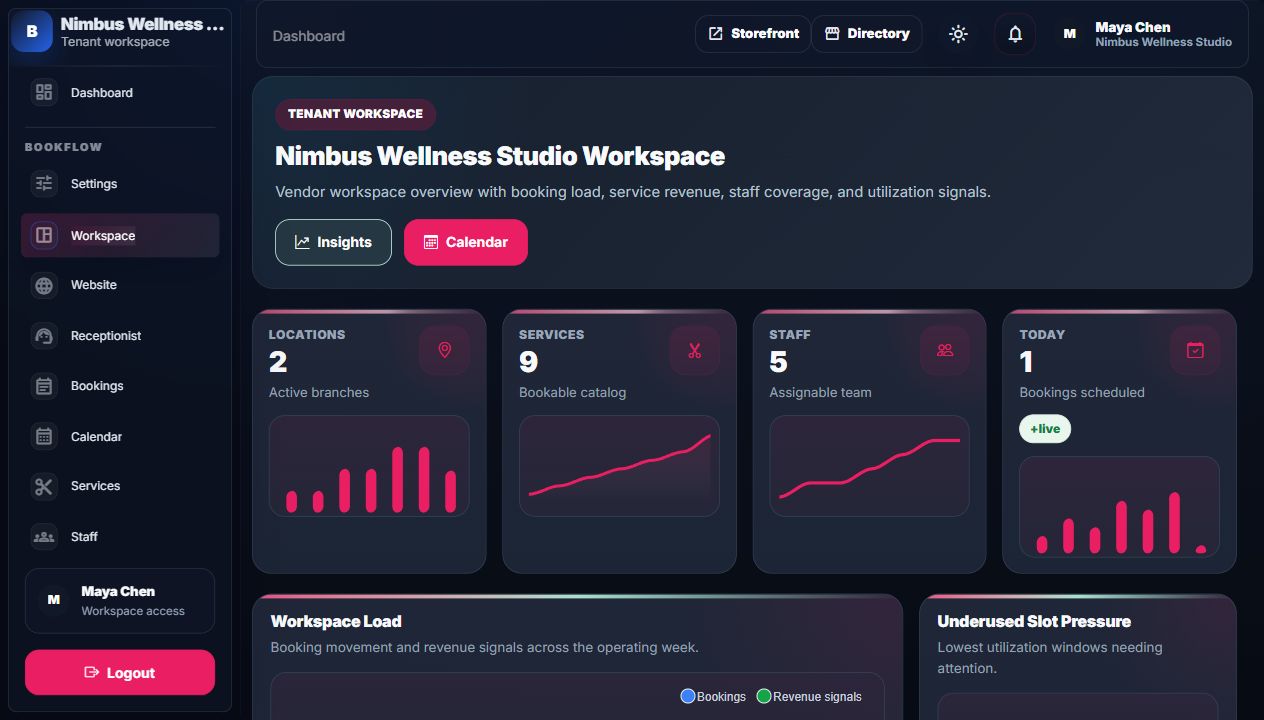
Core Screenshots


How Things Connect
| Thing user sees | Connected system | Why it matters |
|---|---|---|
| Service card on storefront | Vendor admin -> Services | Changing duration, price, deposit, or active state changes what customers can book next. |
| Available slot | Availability engine | The slot exists only if location, staff, resource, working hours, time off, and existing bookings allow it. |
| Payment balance | Invoice and receipt records | Payments update booking balance, receipt history, customer portal status, and revenue reports. |
| Wallet top-up | Customer wallet checkout session | Sandbox approval updates wallet balance, ledger, notifications, demo mailbox, and future payment options. |
| FAQ, privacy, terms, contact | Website pages CMS | Vendors edit these once; storefront header/footer and booking agreement links read the published pages. |
| CRM lead conversion | Integrations -> Lead Intake | A synced external lead becomes a real BookFlow booking with an external mapping record. |
Recommended Reading Order
- Read What BookFlow Is for the simple product model.
- Open Demo Flow and follow the exact Nimbus walkthrough.
- Use Platform Owner to understand signup checkout, tenant creation, directory proof, dashboard, and demo mailbox.
- Use Customer Journey to understand booking, wallet top-ups, payment, portal, review, support, and rebooking.
- Use Vendor Admin to understand how the business manages operations, no-shows, calendar sync, staff mobile, AI work, and scheduled reports.
- Use module pages when you need details about bookings, payments, programs, integrations, or permissions.
- Use the Screen Reference pages when you need every field, KPI, chart, table column, action, and connection explained.
Workflow Playbooks
Use these pages when someone asks what happens after an integration event, membership benefit, payment, support request, or complete demo step.
Workflow Playbook Hub
One entry point for integrations, memberships, and the complete demo scenario.
Open hubIntegration Manual
Provider-by-provider cause/effect: connect, run, map, local result, proof screen, and next action.
Open manualBenefits Manual
Plan rules, wallet, booking benefit snapshot, payment ledger, usage ledger, and reports.
Open benefits manualComplete Demo Script
Presenter-ready act map with persona, action, result, visible proof, and narration.
Open scriptScreen Reference
The Screen Reference is the detailed manual layer. It is written for support staff, vendor trainers, QA testers, and non-technical buyers who need to know exactly what every visible field, chart, table column, and button means.
Platform Screens
Home, plans, directory, signup, and login with every signup field explained.
Open referenceStorefront And Customer
Storefront booking, trust pages, payment page, customer portal, reviews, wallet, and support.
Open referenceVendor Admin Indexes
Dashboard, bookings, calendar, services, staff, locations, resources, and website indexes.
Open referenceVendor Admin Forms
Create/edit forms for bookings, services, staff, locations, resources, website pages, homepage, and settings.
Open referenceAnalytics And Retention
Programs, receptionist, insights, reports, retention queues, review loops, and wallet examples.
Open referenceIntegrations And Settings
Connector health, connector fields, lead conversion, activity logs, contracts, mappings, permissions, and notifications.
Open referenceWorkflow Playbooks
Visual hub for integration workflows, membership benefits, and the complete demo scenario with annotated screenshots and proof trails.
Open playbook hub