Storefront And Website
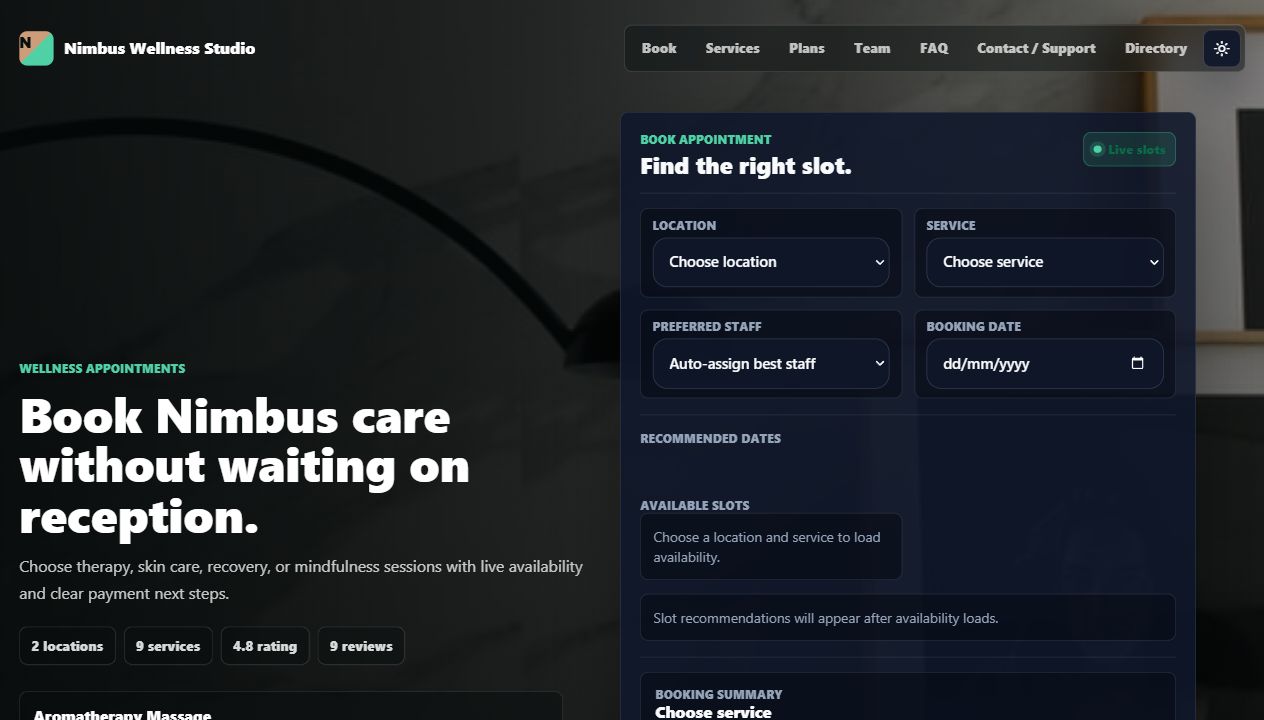
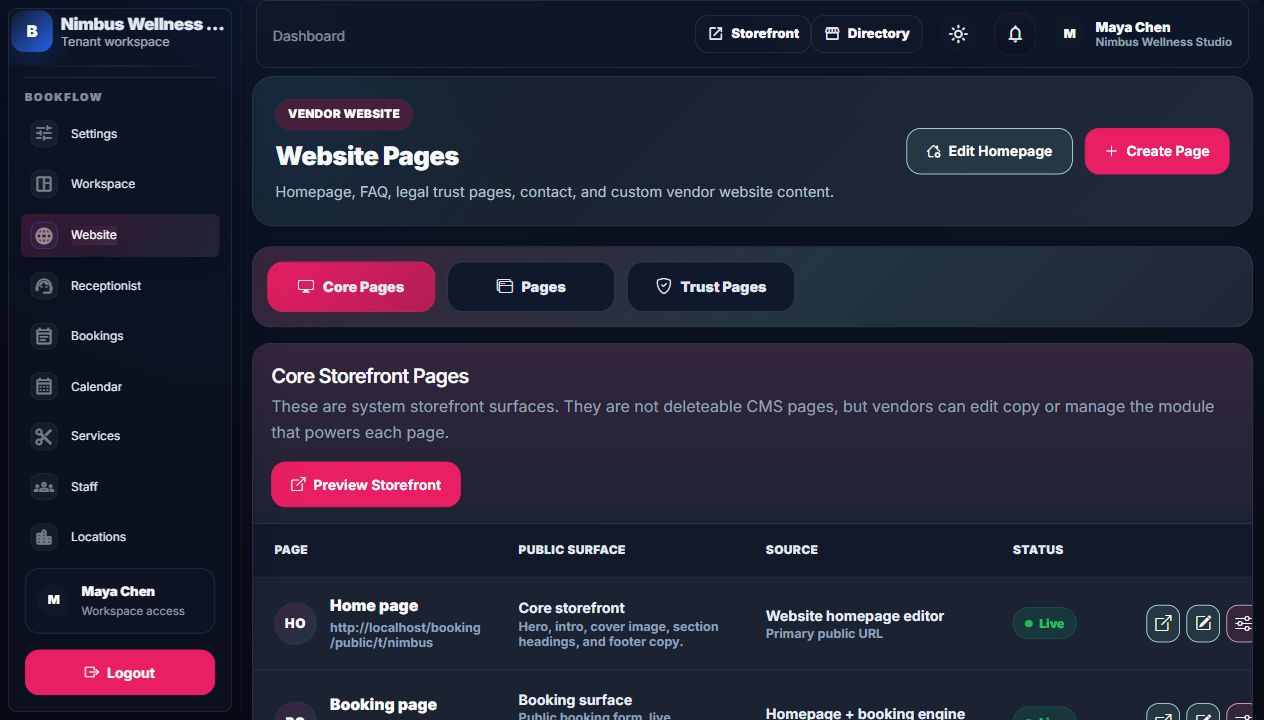
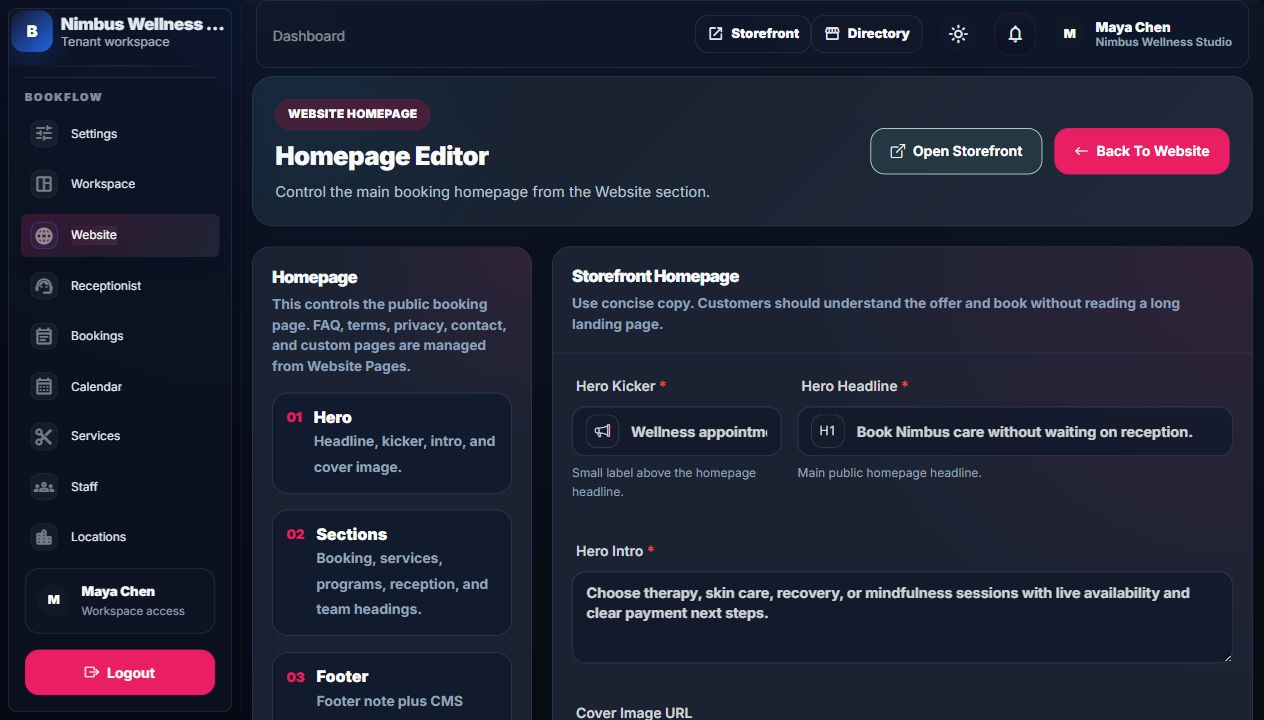
Every vendor has a public website layer. The homepage stays focused on booking, while trust pages explain policies, contact, privacy, and common questions.
Public Tenant Pages
| Page | Link | Purpose |
|---|---|---|
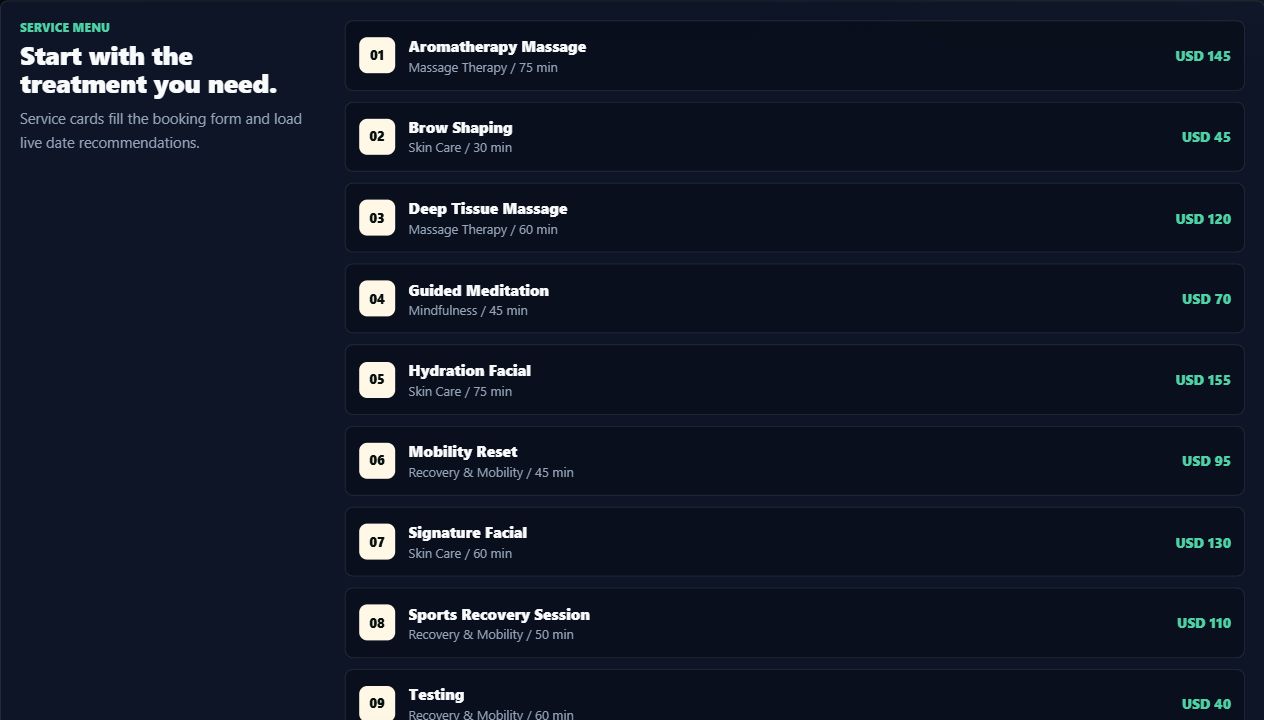
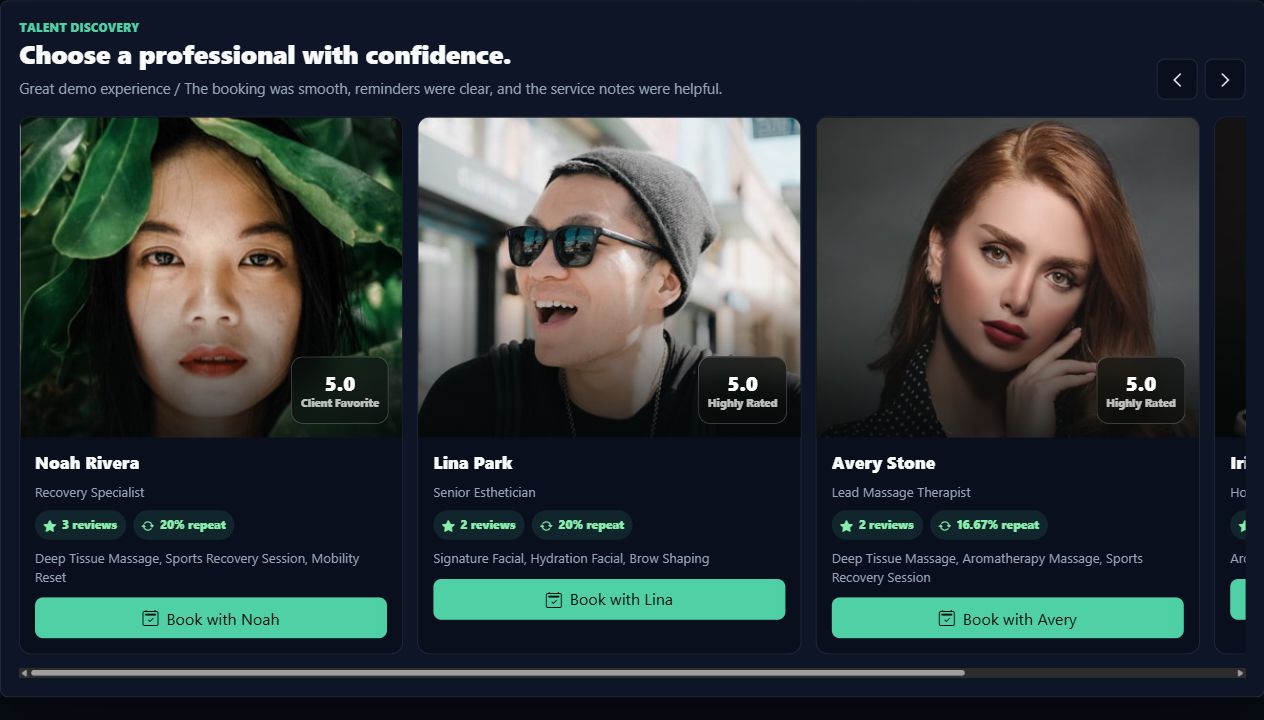
| Home | /t/nimbus | Main storefront, services, booking entry, programs, team, and footer links. |
| Booking | /t/nimbus/book | Focused booking form for customer appointment creation. |
| Services | /t/nimbus/services | Service catalog presentation linked to booking prefill behavior. |
| Team | /t/nimbus/team | Professionals and trust signals. |
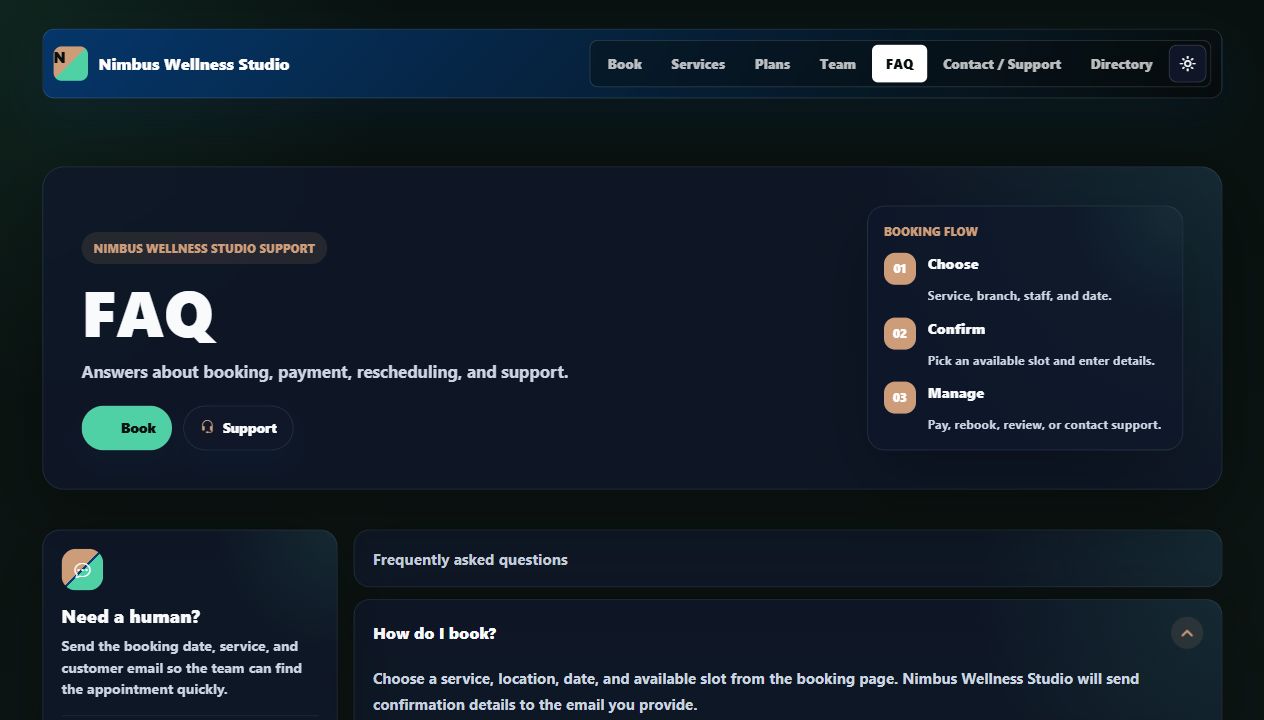
| FAQ | /t/nimbus/faq | Common booking, cancellation, payment, and support answers. |
| Terms | /t/nimbus/terms-and-conditions | Booking rules, payment rules, no-show and cancellation policy starter text. |
| Privacy | /t/nimbus/privacy-policy | Explains customer data collection and use. |
| Contact | /t/nimbus/contact | Support and business contact details. |
Website CMS Chain
Required pages cannot be deleted. They exist because booking businesses collect names, phone numbers, appointment details, notes, payments, and reviews. The vendor can edit content, but the system keeps the trust structure stable.
Storefront Screens
Where Vendor Edits It
The vendor edits homepage and pages from the Website admin area. Homepage editing is separate from general Settings so the settings screen stays focused on business configuration.
Trust Pages
FAQ
Answers practical customer questions such as how to book, whether deposits are needed, how to reschedule, and who to contact.
Terms
Explains booking, payments, cancellations, no-shows, packages, memberships, and service changes in starter policy language.
Privacy
Explains how booking information, contact details, support messages, reviews, and payment status may be used.
Contact
Gives customers a direct way to ask for help outside the booking form or receptionist flow.
Detailed Screen Reference
For homepage fields, CMS page fields, header/footer rules, booking agreement links, and customer-facing storefront sections, open Storefront And Customer Reference and Vendor Admin Forms Reference.