Vendor Admin Flow
The vendor admin is where a business runs day-to-day operations. Nimbus Wellness Studio is the demo tenant, and Maya Chen is the owner account. The current workspace includes booking operations, staff mobile actions, no-show control, calendar sync, AI operations, and scheduled reporting.
Login And Entry
Open login, sign in as admin@ovion.tech using Demo@12345, then open Nimbus admin.
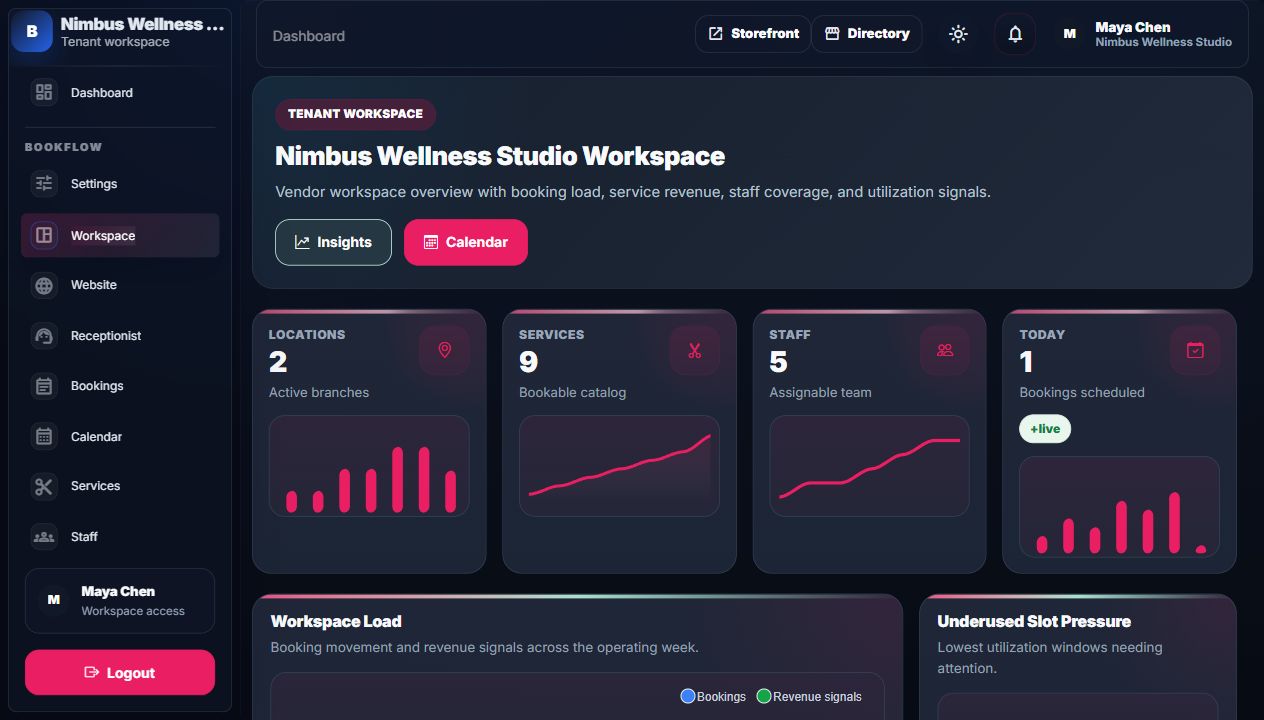
Main Admin Areas
| Area | What it manages | What it affects |
|---|---|---|
| Bookings | Booking list, detail, payment collection, reschedule, status, completed booking edit requests. | Customer history, calendar, invoices, reports, notifications. |
| Calendar | Visual schedule by date, staff, status, and appointment detail. | Operational planning and appointment movement. |
| Services | Catalog, duration, buffer, price, deposit, staff/location links. | Storefront booking choices and availability logic. |
| Staff | Profiles, working hours, bookable state, specialties, service coverage. | Available slots, calendar assignment, marketplace trust. |
| Locations | Branches, timezone, address, contact, default location. | Storefront filtering, calendar grouping, customer instructions. |
| Resources | Rooms, equipment, and other capacity constraints. | Availability engine prevents overbooking shared resources. |
| Website | Homepage, FAQ, terms, privacy, contact, custom pages. | Public storefront content, footer links, booking agreement links. |
| Programs | Memberships, packages, vouchers, campaigns. | Customer wallet, benefits, discounts, retention actions. |
| Integrations | CRM, HR, TicketPro, Ecommerce, FlowOS connections. | External leads, staff sync, tickets, benefits, receptionist events. |
| AI Workspace | Receptionist inbox, AI operations, recommendations, provider audit, and action drafts. | Human review queues, support handoff, report summaries, website help, and audit proof. |
| Reports And Schedules | Report hub, no-show reports, CSV export, and scheduled report subscriptions. | Owner snapshots, recurring reporting, operational review, and retention follow-up. |
| Calendar Sync | Google Calendar-style sync setup and event proof. | External calendar visibility for created, rescheduled, cancelled, and completed bookings. |
| Staff Mobile | Today view, check-in, no-show, payment handoff, notes, and receptionist shortcuts. | Front-desk and practitioner day-of-work actions. |
Admin Screenshots

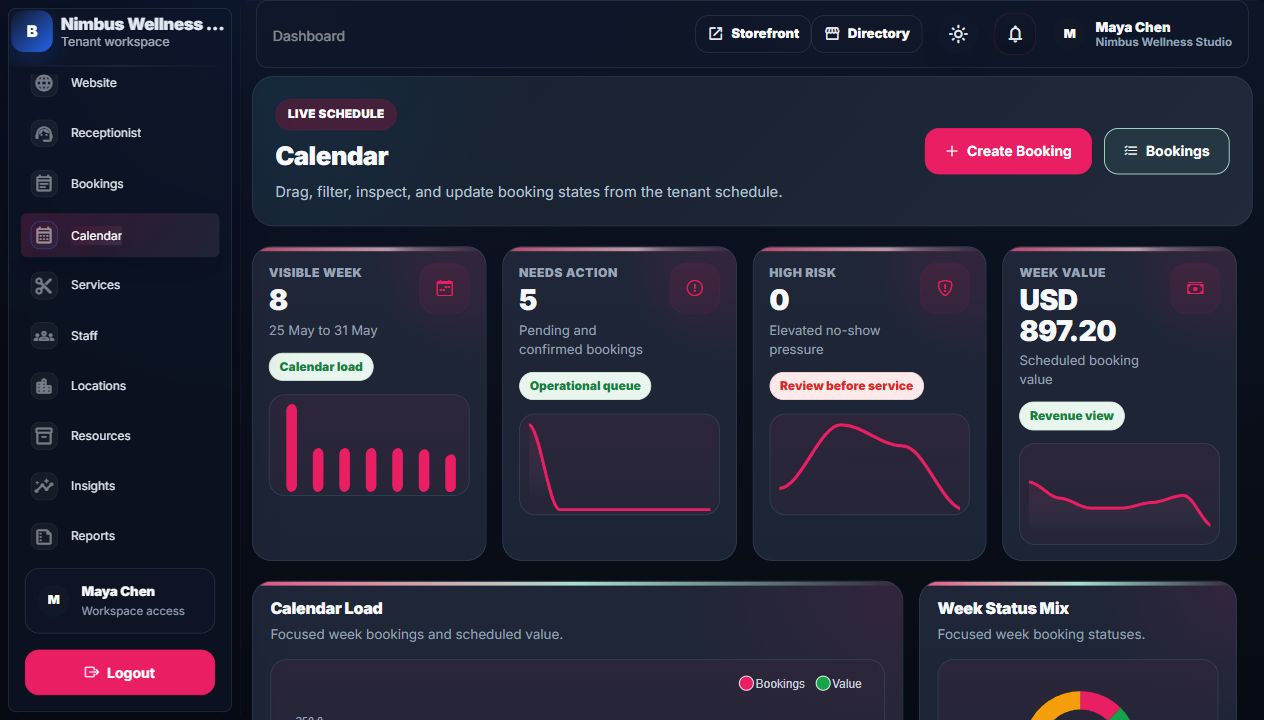
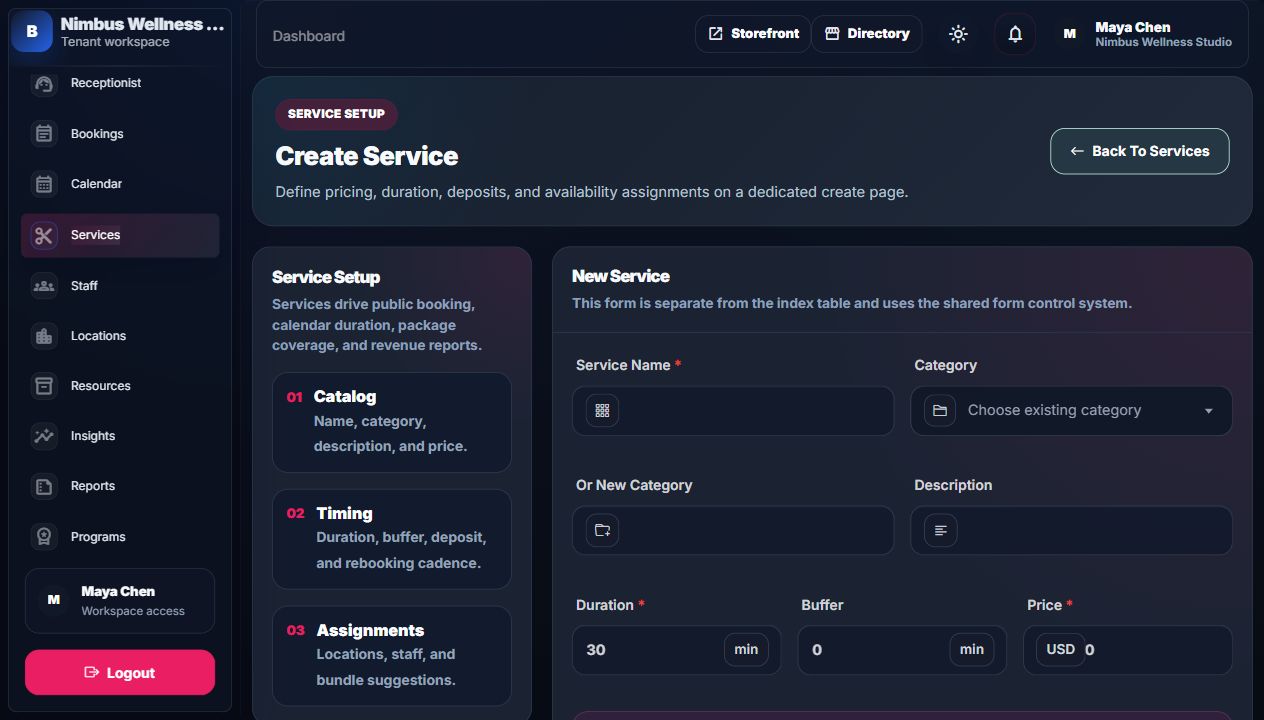
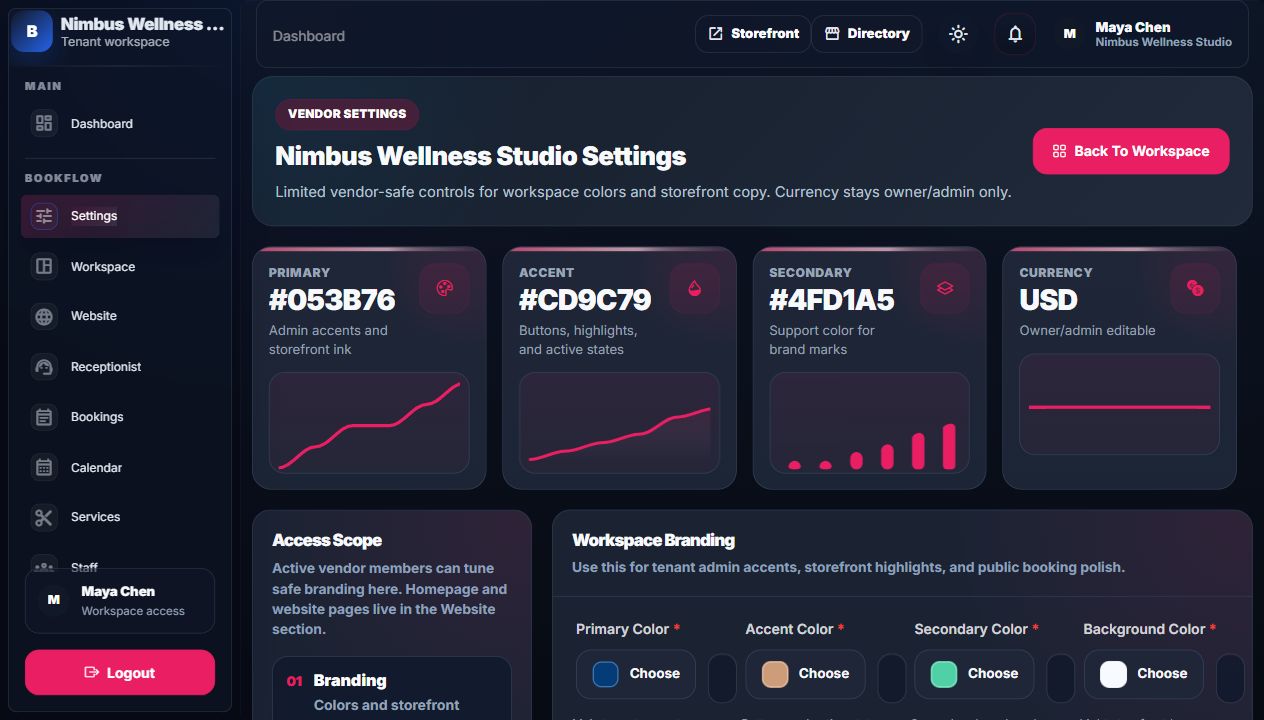
Operations Proof Surfaces
| Surface | What the operator does | Why it matters |
|---|---|---|
| No-show controls | Mark a booking as no-show from admin or staff mobile when the customer misses the visit. | Feeds no-show reports, customer risk signals, deposits, and retention decisions. |
| Calendar sync | Send booking lifecycle events to an external calendar adapter when configured. | Proves the booking schedule can leave BookFlow safely without rewriting local records. |
| Staff mobile flow | Use the daily staff page for check-in, no-show, payment handoff, customer notes, and receptionist shortcuts. | Keeps the working-day surface light enough for phone screens. |
| AI operations and recommendations | Review provider health, fallback mode, recommendations, report summaries, and receptionist drafts. | Shows AI is assistive and auditable, not an unchecked auto-action layer. |
| Scheduled reports | Create owner/admin report schedules and process due runs. | Turns analytics into recurring operational review instead of one-off exports. |
| System proof | Platform admin reviews preflight, operations, update checks, and support bundles. | Gives buyer/support teams install and runtime evidence. |
Index Pages vs Create/Edit Pages
Index pages are for scanning, filtering, KPIs, charts, tables, and quick actions. Create/edit pages are for focused forms. This keeps vendor workflows clear: first find the item, then edit it on its own page.
Completed Booking Editing
Completed bookings are protected. A normal vendor should not silently rewrite completed history. Instead, a request is sent for approval. This protects receipts, reports, customer history, and audit logs.
No-show And Staff Mobile
No-show is a first-class operational state, not just a note. Admin, calendar, report, and staff mobile views use the same booking record so a no-show action can be reflected in reports, risk markers, and customer follow-up. Staff mobile keeps the same flow usable for the person working the day: see today's schedule, check in the customer, mark no-show, open payment handoff, read notes, and jump to receptionist context when needed.
Confirmations And Feedback
Vendor actions should follow the same interaction flow: Swal yes/no confirmation, Swal loading while the action runs, then toastr success/error feedback after completion. This keeps destructive or important actions understandable.
Detailed Screen Reference
For every admin KPI, chart, filter, table column, icon action, and create/edit field, use Vendor Admin Indexes Reference and Vendor Admin Forms Reference.